
Teams need reliable data, but customer records, reports, and shared files often sit in separate systems with no clear source of truth. When names differ and records become outdated, staff spend more time checking information than using it.
A data governance framework sets out who owns the data, which standards apply, and how teams should resolve problems. It gives people a consistent approach to decisions that affect information across the organisation.
While governance defines the rules, data management applies them through daily processes, access controls, and regular quality assessments. Both are needed to keep records useful as systems and business needs change.
Start with one business problem, assign an owner, and agree on standards that the team can test in practice. Use their feedback to improve the process before you extend it to other teams.
Why data governance matters
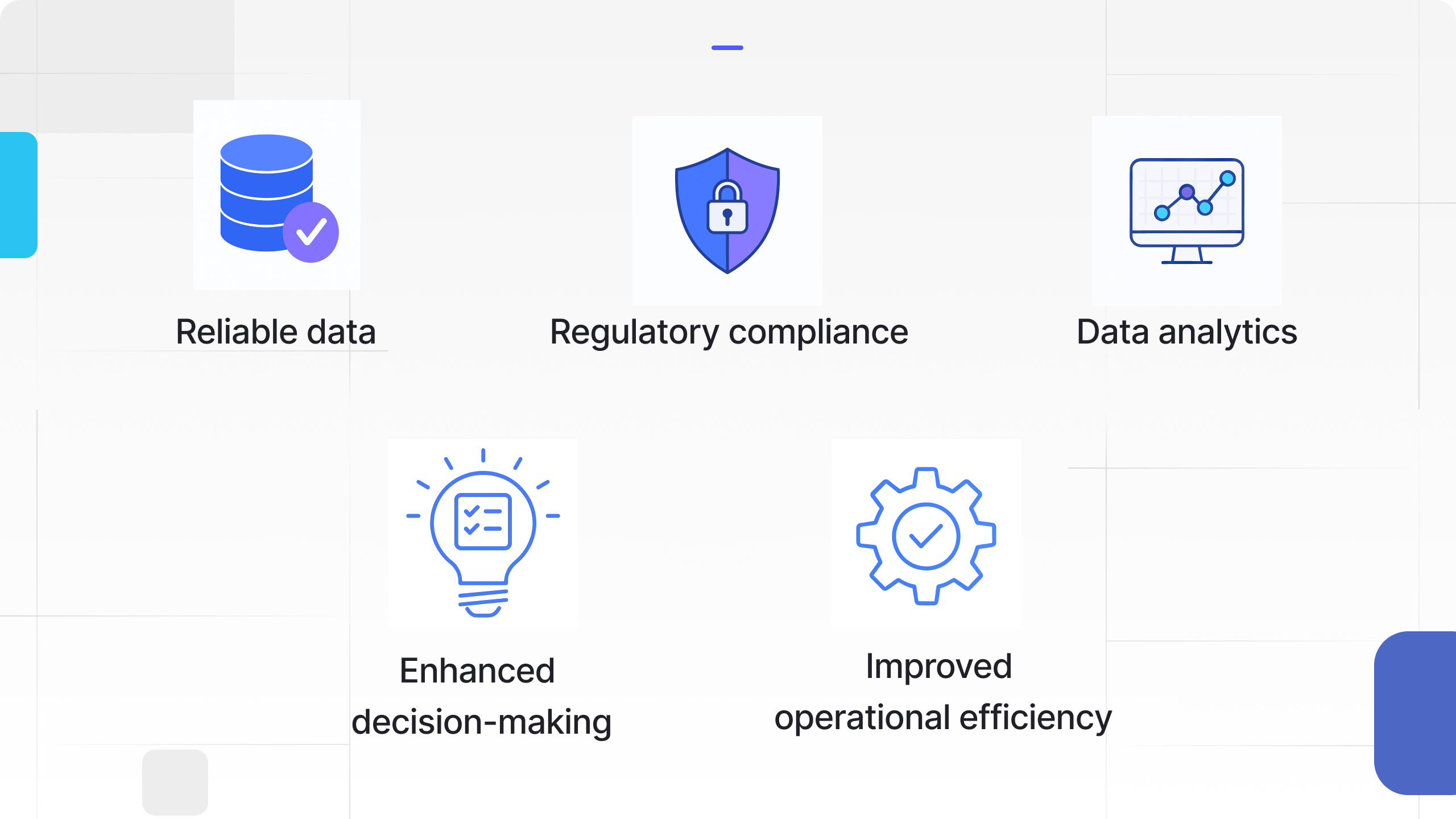
The importance of data governance becomes clear when poor data affects the work that teams rely on. Sales may contact the same customer twice, while finance spends hours checking reports with conflicting totals.
Shared rules help staff find reliable information, manage access, and fix errors before they spread to other systems. Clear ownership also helps teams explain how data is used and who must review it.
Effective data governance links this work to business goals, such as faster support or more reliable reports. Support teams may need complete contact records, while finance needs shared terms and agreed sources.
Track results such as fewer duplicate records, faster report reviews, and less time spent fixing errors. These measures show how governance supports data driven decisions and improves operational performance.
Set up a clear governance structure
Your governance structure should define who sets policies, approves changes, and takes responsibility for issues that affect daily operations.
An executive sponsor provides leadership support and resolves barriers. Data owners make decisions about how information within their area should be used. Data stewards monitor data quality, maintain definitions, and help employees apply agreed standards. IT teams manage the systems and access controls that support these policies.
Smaller teams may assign several responsibilities to one person, while larger organisations may need a governance council to coordinate decisions across departments.
Document each role, including its authority and the decisions that require further approval. For example, a steward might identify missing values, while the owner decides whether a field should become mandatory.
Assign unresolved issues to a named contact with a clear response deadline. Review responsibilities when employees leave, departments change, or new systems are introduced.
Make standards and metadata easy to find
Begin with the definitions that influence your key reports, such as what qualifies as an active customer or when a sale is considered complete. Agree on which system provides the authoritative record.
Capture these definitions in a shared glossary, with an owner and a practical example for each term. This gives employees a consistent reference when questions arise.
Use metadata management to document each dataset’s source, purpose, field definitions, update schedule, and restrictions on use. A central data catalog makes these details easier to find and maintain.
Tracking data lineage involves documenting where information originates, how it moves between systems, and which transformations occur before it reaches a report. Include manual exports and calculations that could affect the results.
For example, specify whether a revenue field includes refunds and how those refunds are recorded. This context helps departments interpret the figures consistently and investigate differences between reports.
Step 1: Choose a focused starting point
Choose a problem worth solving before you write policies. Ask the people who create and use data where errors, delays, or confusion occur most often.
Start with one business unit and a dataset it relies on. Customer contact records in a sales team are a more practical first project than every record across the firm.
Map where those records live, who uses them, and how they move between tools. Include shared files and manual steps.
Set a baseline. Check how many records lack contact details or how long staff spend fixing a weekly report.
Agree on the scope, owner, target, and review date. Make sure the pilot team has time to take part. This keeps the project tied to a real need and gives you a fair way to judge progress.
Step 2: Write clear quality and security rules
Turn your findings into short policies with clear actions. Cover data quality, data security, access, sharing, storage, and deletion. Ask the teams involved to check the rules before rollout.
To ensure data meets your standards, define the checks people must make. A customer record might need a unique ID, an account owner, and a date for its last review.
Explain who can approve access and how staff should report errors. Limit access to what each role needs, and review it when roles change.
Give sensitive records extra care. Note where they may be stored, who can share them, and which approved channels staff should use. Make the steps clear enough to follow during a busy working day.
Allow for exceptions. Record the reason, the person who approved the request, and an expiry date.
Check that each policy aligns with business goals. If a rule adds work, explain which risk it reduces or which outcome it supports. Add a review date so old guidance does not stay in use.
Step 3: Test the framework in daily work
Run a pilot with the team that owns your chosen dataset. Show staff how to request access, check a definition, and flag a problem.
Keep guidance close to the task. Short checklists, clear field names, and a shared issue log are often more useful than a long policy file.
Track where people get stuck. A rule may be unclear, an approval may take too long, or a required field may serve no useful purpose.
Review these issues with users and assign each change to an owner. Give staff a named contact so they can get help quickly.
Once the pilot works well, share the results. Show what improved and what took effort. Then expand to another dataset or team, adapting the process to its needs.
Use Baserow to put governance into practice
Baserow can provide a shared place to organise governance work. Build tables for data assets, owners, policies, and quality issues. Record each asset’s source, purpose, owner, and review date.
Use an issue tracker to show the problem, its impact, the person handling it, and its status. This turns broad policies into tasks that teams can follow.
Baserow’s permissions let you control who can view, edit, or manage data. Match roles to the work each person needs to do, and check which controls your plan includes.
Recent updates add useful options. Baserow 2.4 introduced field editing permissions for selected users and teams. You could use these to limit changes to fields such as policy status or review dates.
The same release added Data Sync history. It shows when sync jobs ran and whether they succeeded, helping teams investigate stale records. This supports source checks but does not replace a full map of data lineage.
Button fields can trigger actions from rows. For example, you could configure a button to start a review workflow. Email triggers can also start workflows from incoming messages, offering another route for issue intake. Explore these features in the Baserow 2.4 release notes.
Audit logs record changes to data, structure, and permissions. Teams can use them to investigate events and export records for review. Audit logs are available on Cloud Advanced and self-hosted Advanced or Enterprise plans; scope depends on the setup.
Choose features based on the process you need. Test permissions and workflows with the people who will use them before rollout.
Learn with the Baserow community
You do not have to design every workflow from scratch. The Baserow community forum offers a place to ask questions, discuss use cases, and learn from other users.
For a governance project, you might ask how others structure asset registers or manage review tasks. Share a sample of your table design with sensitive details removed so people can understand the problem.
Explain what you have tried and where you are stuck. A clear question makes it easier for others to offer useful suggestions.
Browse Baserow’s template library for ideas too. Its governance category includes a Compliance Assessment Builder, which may offer a starting point for related work.
Adapt any example to your own policies and roles. Community advice can help with setup, while your team remains responsible for the rules and decisions.
Build habits that keep data reliable
People are more likely to follow rules when they see the benefit. Show how better records reduce repeat work, speed up tasks, and make handovers easier.
Give staff a simple way to ask questions and report errors. Fix unclear forms and weak processes as well as the records they affect.
Well-maintained data needs ongoing care. Assign review dates, remove outdated entries where appropriate, and check whether owners still hold the right roles.
Strong governance frameworks combine clear controls with useful support. Teams need guidance they can follow and a way to request changes when rules no longer fit.
Where manual tasks cause delays, consider reminders or automated checks. Start with a stable process and test the results before expanding it.
Measure progress and build maturity
Review a few useful measures each month. Track missing fields, duplicate records, time to resolve issues, and overdue access reviews. Focus on the problem you set out to solve.
If errors keep returning, check the source process. If issues stay open, review ownership and workloads. Set targets with the team so they are realistic and tied to business results.
As you build a more mature data governance programme, make reviews part of normal work. Update the catalog when sources change, revisit policies, and train new staff.
Keep a short record of each review. Note what changed, who agreed to it, and when the team will check the results again.
Share both gains and gaps with leaders and users. Maturity depends on how reliably teams apply the rules when real issues arise, rather than how many policies they write.
Start with one useful change
Begin with one dataset, one accountable owner, and a small set of clear rules. Test them in daily work, measure the results, and improve what causes friction.
👉 Join Baserow and start building a governance framework that empowers your organization.

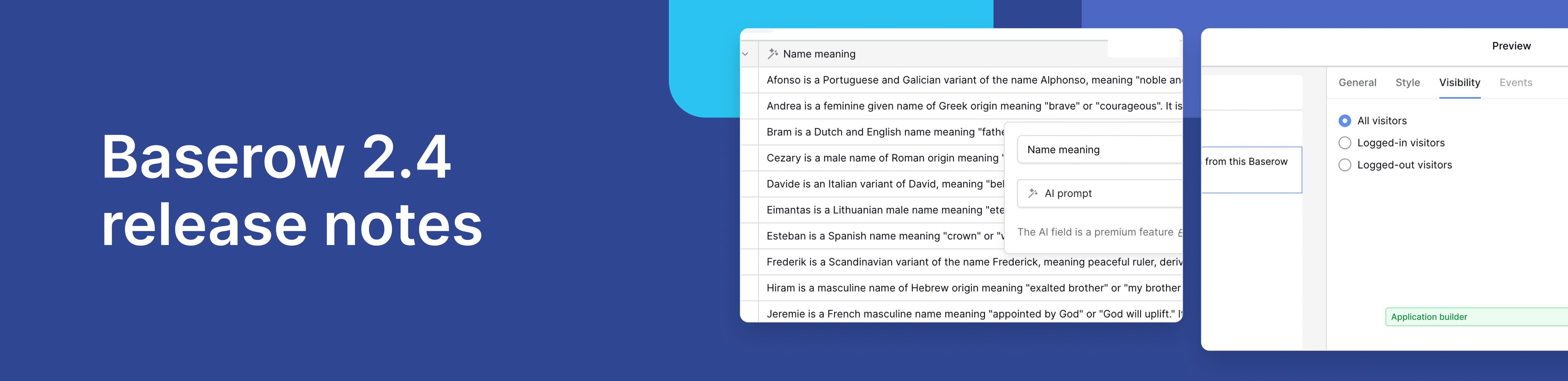
Baserow 2.4 adds Button fields, Graph elements, workflow automation, AI provider management, improved Group By views, and 30+ more updates.

Discover how Airtable and Baserow compare in features, flexibility, speed, and scalability. Compare pricing plans and hidden costs to make an informed decision!

Explore the best open-source software alternatives to proprietary products. Discover OSS tools, licenses, and use cases with our updated directory.