
Your marketing team uses AI to draft content. Support uses it to suggest replies. Operations tests a tool that summarizes supplier documents. Soon, nobody has a complete picture of which tools are approved, what data they handle, or who reviews their output.
AI ethics and governance give these activities a shared structure. Baserow can help you organize that structure in a database, bringing applications, owners, risks, and review decisions together.
This guide shows how to build a practical governance register with Baserow, connect ethical principles to everyday checks, and keep human oversight visible as your use of artificial intelligence grows.
Turning AI ethics into a working process
AI ethics asks whether an application treats people fairly, protects their information, and supports decisions they can understand and challenge. AI governance defines the responsibilities and processes needed to put those expectations into practice.
For a business, the challenge is making these commitments usable. A statement about fairness becomes more useful when someone owns the assessment, records the findings, and follows up on problems.
Start with a few practical questions:
- What is the application allowed to do?
- Whose data or interests could it affect?
- Who checks its output and handles concerns?
- What evidence is required before approval?
- When should its use be reviewed or paused?
These questions connect your AI strategy to daily work. The answers become records your team can maintain in Baserow as tools and responsibilities change.
Build your AI governance register in Baserow
The following setup is a suggested structure you can create and adapt. Begin with four connected tables: AI applications, risks, reviews, and incidents. Baserow’s Link to table field lets you connect related records across tables.
1. Create an inventory of AI applications
Create one record for each application or distinct use case. The same tool may need separate records when different teams use it for different purposes.
Useful fields include:
- Application name and business purpose.
- Department and accountable owner.
- Provider and relevant documentation links.
- Data categories and affected users.
- Approval status and next review date.
Use a single select field for statuses such as Proposed, Under review, Approved, and Paused. Add a long text field for boundaries, including activities the application should never perform.
For example, a support drafting assistant might be approved to suggest replies but require an agent to verify every message before sending it.
2. Connect ethical principles to specific risks
Create a risks table and link each risk to the relevant application. Record the potential harm, people affected, existing safeguards, risk owner, and outstanding actions.
Use your ethical principles to guide the assessment. Fairness might prompt testing across different customer groups. Transparency might require explaining when an AI assistant is involved. Privacy might require removing unnecessary personal information from inputs.
Keep descriptions concrete. “Incorrect refund advice causes customer confusion” is easier to assess than “AI reliability risk.” Define how likely or serious a problem must be to trigger additional review.
This gives your ethics standards a practical role in decisions about deployment.
3. Document reviews and approval decisions
Create a reviews table containing the application, reviewer, review date, findings, decision, and supporting evidence. Link each review to the application it covers.
Include approval conditions, such as mandatory human review or restrictions on sensitive inputs. Record unresolved actions and assign an owner to each.
An approval status field records a decision; it does not enforce that decision in an external AI service. Your operating procedures should explain who can authorize use and how restrictions are applied.
Retain earlier reviews so the team can understand why an application was approved and what changed later.
4. Record incidents and corrective actions
Use an incidents table to capture incorrect outputs, privacy concerns, missed escalations, and other reported problems. Include the affected application, date, severity, assigned owner, action taken, and resolution status.
Avoid copying sensitive customer information into incident descriptions when a restricted reference will do. Give employees a simple reporting route and explain who responds.
Review incidents alongside the original assessment. Repeated mistakes may show that a safeguard needs changing or an approval needs reconsidering. Record the decision and update staff guidance so the same issue does not keep returning.
Example: reviewing a support assistant
Suppose a team proposes an assistant that drafts replies from approved help articles. The owner adds it to the applications table and links risks covering inaccurate advice and unnecessary personal data exposure.
A reviewer tests sample tickets, records the results, and approves a limited trial with mandatory agent checks. During the trial, an agent reports an invented refund promise. The owner links the incident to the application, updates the guidance, and schedules another assessment. Each step leaves a record the next reviewer can follow without searching through scattered email messages.
Keep human oversight visible
Human oversight works when reviewers know what to check and can act on what they find. A named reviewer alone is insufficient if that person lacks time, information, or authority.
In Baserow, document the review requirements for each use case. For a support assistant, these might include checking factual accuracy, confirming policy details, and escalating complaints involving sensitive information.
Record who can pause the workflow and what happens while it is unavailable. Define review triggers, including a new model, changed data inputs, or a serious incident.
These records help ensure that AI systems receive appropriate scrutiny throughout their use. Ask the people handling the workflow for feedback, and keep instructions short enough to follow during everyday work.
Protect governance data and review AI data flows
Your governance register may contain confidential assessments, provider information, or incident details. Decide who needs to view or edit each area before inviting the wider team.
Baserow’s security page describes granular permissions, audit logs, and cloud or self-hosted deployment options. Confirm which controls are available for your plan and deployment, then configure access around your team’s responsibilities.
Personal data also needs clear handling rules. Decide what information belongs in the register, how long it should be retained, and who manages requests or corrections. Baserow’s GDPR compliance guide provides further context for these processes.
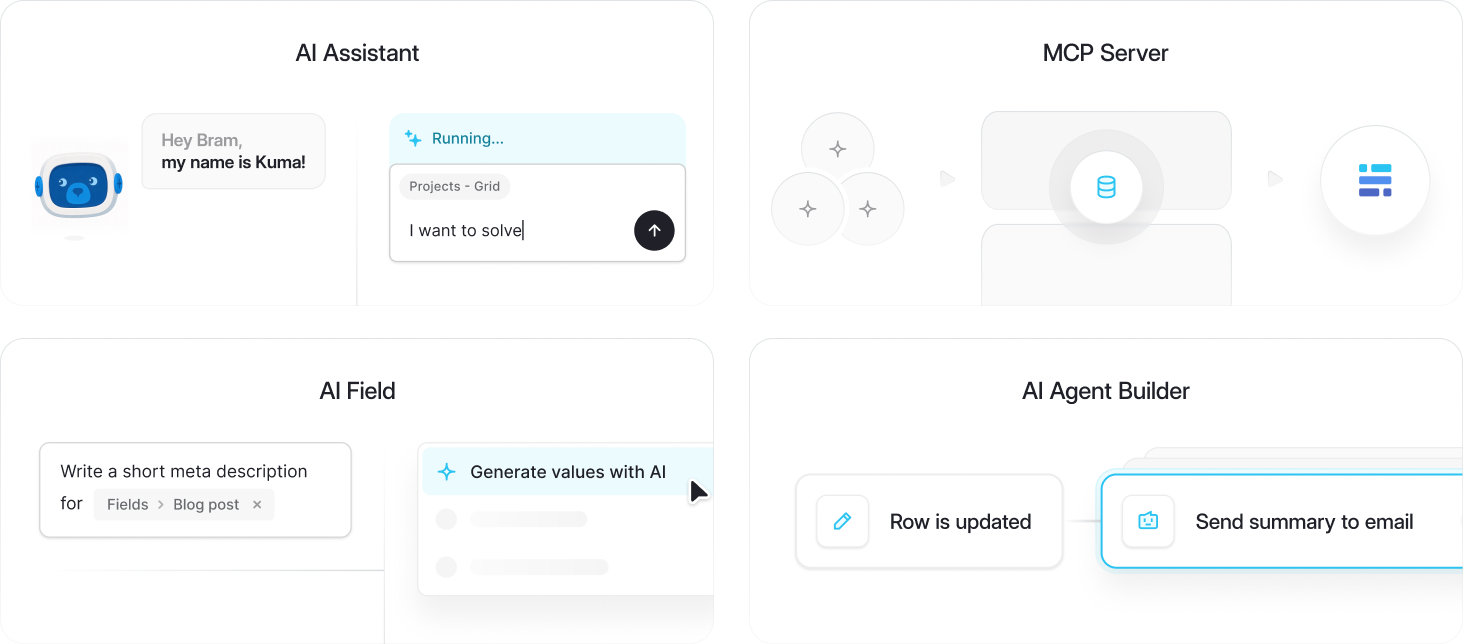
If you use AI features within Baserow, review its AI security documentation to understand the relevant data flows and provider arrangements. Apply the same assessment questions you would use for any other AI application.
A well organized register supports responsible AI, but your organization still owns its policies, assessments, and decisions.
Frequently asked questions
- What is the difference between AI ethics and AI governance?
AI ethics provides principles for evaluating how AI affects people. AI governance turns those principles into responsibilities, controls, and review processes. Together, ethics and governance help teams connect their commitments with decisions about specific applications.
- Can Baserow support AI governance without a dedicated compliance team?
Yes. A small business can start with an applications table, named owners, and clear review dates. Add linked risks, reviews, and incidents as the process develops. Keep responsibilities explicit, even when one person holds several roles.
- Does using Baserow make our AI systems compliant?
Using a database does not establish compliance by itself. Baserow can help organize evidence and responsibilities, but your organization must assess applicable requirements, configure appropriate controls, and evaluate each application. The register supports that work and makes decisions easier to trace.
- How often should we review our AI register?
Set a schedule based on the impact and risk of each use case. Review sooner after incidents, provider changes, new data inputs, or a change in purpose. Assign someone to check overdue reviews and follow up on outstanding actions.
- Should AI make governance approval decisions?
Keep consequential approval decisions with authorized people. AI may help draft summaries or organize information, but reviewers should verify the evidence and record their reasoning. Apply particular care when decisions affect people’s rights, access to services, or sensitive information.
Start with one workflow
AI ethics and governance become easier to manage when your team has a shared place to record applications, risks, and decisions. Start with one active use case, assign an owner, and document its review requirements.
Build your AI governance register in Baserow, then expand it as your process develops. Keep the structure simple, the records current, and the responsibility for decisions clear.

Baserow 2.4 adds Button fields, Graph elements, workflow automation, AI provider management, improved Group By views, and 30+ more updates.

Discover how Airtable and Baserow compare in features, flexibility, speed, and scalability. Compare pricing plans and hidden costs to make an informed decision!

Explore the best open-source software alternatives to proprietary products. Discover OSS tools, licenses, and use cases with our updated directory.