
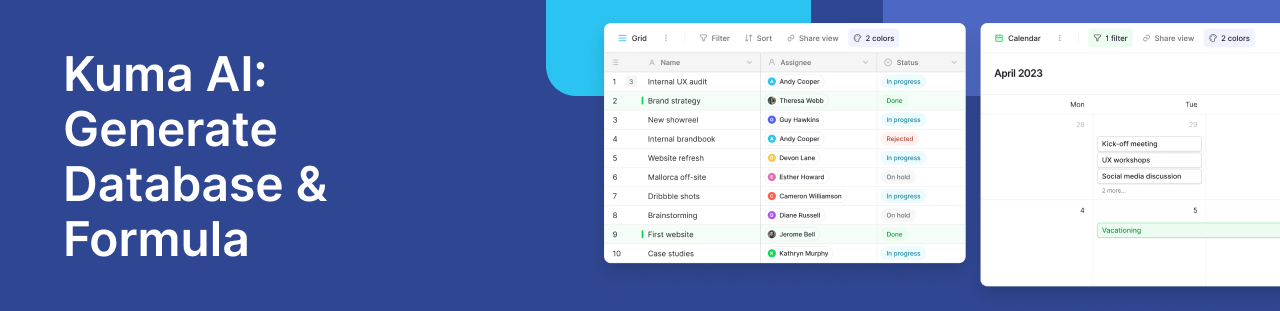
The most time-consuming part of data management isn’t entering the data; it’s building the structure. Setting up tables, defining field types, and writing complex nested formulas in Excel or Airtable can take hours of trial and error.
Kuma AI, Baserow’s native assistant, changes the workflow from manual building to descriptive building. Kuma allows you to create databases, write formulas, and organize your data using everyday, plain language. It is a context-aware workspace assistant that actively builds and manages your infrastructure on your behalf.
Work faster with an AI-driven workspace
Instead of clicking through endless menus and digging through documentation, Kuma lives directly in your Baserow workspace. By understanding the context of your existing tables and fields, Kuma acts as a dedicated database administrator.
Here is how you can use natural language prompts to automate the heavy lifting:
Generate tables and relational databases instantly
Instead of manually creating tables, adding columns one by one and defining every single field type, you can simply describe your ideal workflow and your entire business process to Kuma. Kuma will instantly build out the database structure, complete with the correct field types (Single Select, Date, Currency, etc.), views, and record relationships.
- Try prompting: “Create a project management table with a ‘Priority’ single-select field, and link it to my existing ‘Clients’ table.”
- “Build” Prompt: “Create a recruitment tracker with tables for Candidates, Job Openings, and Interviews.”
Write complex formulas with AI
Writing formulas in traditional spreadsheet tools requires complex syntax. With Kuma, you can stop hunting for commas and brackets. Just describe the calculation or logic you want to achieve, and the AI will generate the formula or update an existing Formula field for you.
- Try prompting: “Write a formula that returns ‘Overdue’ if the due date is in the past and the status is not marked as ‘Done’.”
- “Formula” Prompt: “Write a formula that calculates the 15% tax for each ‘Total’ field and rounds it to two decimal places.”
Create custom data views and filters
Managing large datasets usually involves setting up multiple filters, grouping rules, and sorts. You can instruct Kuma to organize your data into clean, targeted views in seconds.
- Try prompting: “Create a new Grid view in my Tasks table called ‘High Priority’. Only show rows where the status is ‘To-Do’, and group them by the ‘Assignee’ field.”
Build full internal applications
Kuma’s capabilities extend beyond the database layer. If you need a front-end interface for your team or clients, Kuma can build complete, working applications. It will generate app pages, connect your data sources, add forms, and apply layout styling based on a single text prompt.
Total control over your AI data privacy
A major concern with AI features in SaaS platforms is data privacy. If you self-host Baserow, you maintain total control over your data.
Baserow allows you to choose your own AI provider and model. You can integrate with external providers like OpenAI, Anthropic, or Mistral. Alternatively, for strict compliance and privacy requirements, you can self-host your own local open-source models (like Ollama). This ensures your proprietary data never leaves your secure environment while you still benefit from powerful generative AI features.
Frequently asked questions
How do I automatically generate a database or spreadsheet using AI?
You can generate a complete database by using a conversational AI assistant like Baserow’s Kuma. By typing a plain language prompt; such as “Create a CRM database to track leads and sales pipelines”; the AI will automatically generate the required tables, fields, and relational links without requiring manual setup.
What is the difference between an AI workspace assistant and an AI table field?
An AI table field operates inside a specific row to perform repeatable, data-level tasks, such as summarizing a block of text or extracting keywords from a document. An AI workspace assistant, like Kuma, is a structural tool that manages the workspace itself—it creates new tables, writes formulas, builds application interfaces, and filters data views.
How do I write a database formula using plain English?
Using a context-aware AI assistant, you can bypass traditional spreadsheet syntax entirely. You simply describe the logic you need; for example, “Combine the first and last name fields into a full name”; and the AI will instantly write, validate, and apply the correct formula to your database column.
Can I use self-hosted AI models for database management to protect data privacy?
Yes. If you deploy a self-hosted database platform like Baserow, you can configure the AI assistant to use local models via providers like Ollama. This allows you to leverage powerful natural language database management while ensuring your business data never leaves your private infrastructure.
Learn more about how to access Kuma, what you can ask it, and how it can help you build and manage your databases faster.


Baserow 2.4 adds Button fields, Graph elements, workflow automation, AI provider management, improved Group By views, and 30+ more updates.

Discover how Airtable and Baserow compare in features, flexibility, speed, and scalability. Compare pricing plans and hidden costs to make an informed decision!

Explore the best open-source software alternatives to proprietary products. Discover OSS tools, licenses, and use cases with our updated directory.