
TL;DR
- Google Sheets includes a Template Gallery with ready-made templates for work, project management, finance, and more.
- Popular options include invoices, timesheets, expense reports, budgets, Gantt charts, project trackers, and CRM templates.
- Templates are useful when you need a quick spreadsheet for a specific task.
- If your workflow needs connected data, multiple views, or a more structured database, Baserow offers 100+ templates for project management, CRM, marketing, finance, HR, and more.
Google Sheets templates give you a ready-made structure for common business tasks, from creating invoices and tracking expenses to managing projects and reporting on website traffic.
Instead of building a spreadsheet from scratch, you can choose a template, make a copy, and customize it for your team.
How to find Google Sheets templates
Google Sheets has a built-in Template Gallery where you can browse available templates and create a copy of one you want to use.
To find a template:
- Open Google Sheets.
- Click ‘Template gallery’.
- Browse the available categories.
- Select a template to create a copy.
- Replace the example data with your own.
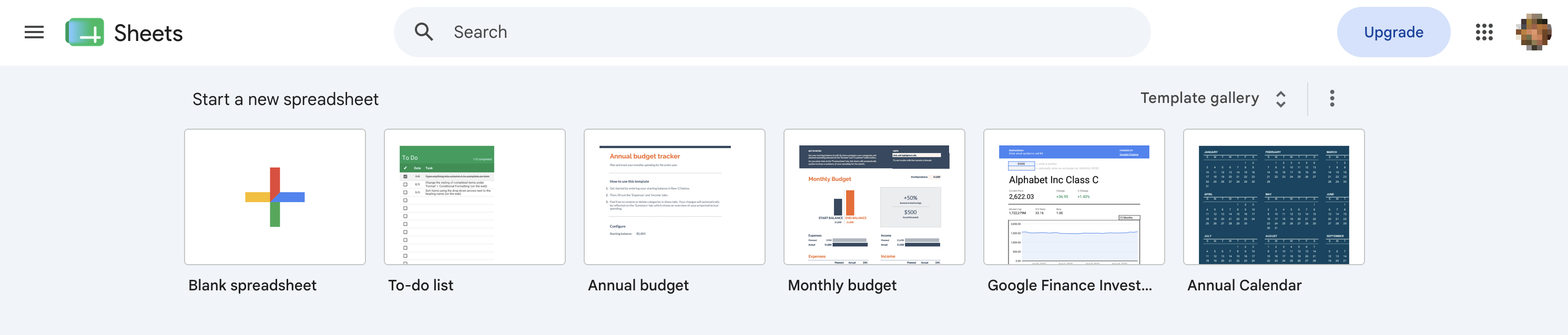
Google organizes its templates into categories such as Work and Project management, making it easier to find a starting point for a particular workflow.
Google Sheets templates for work
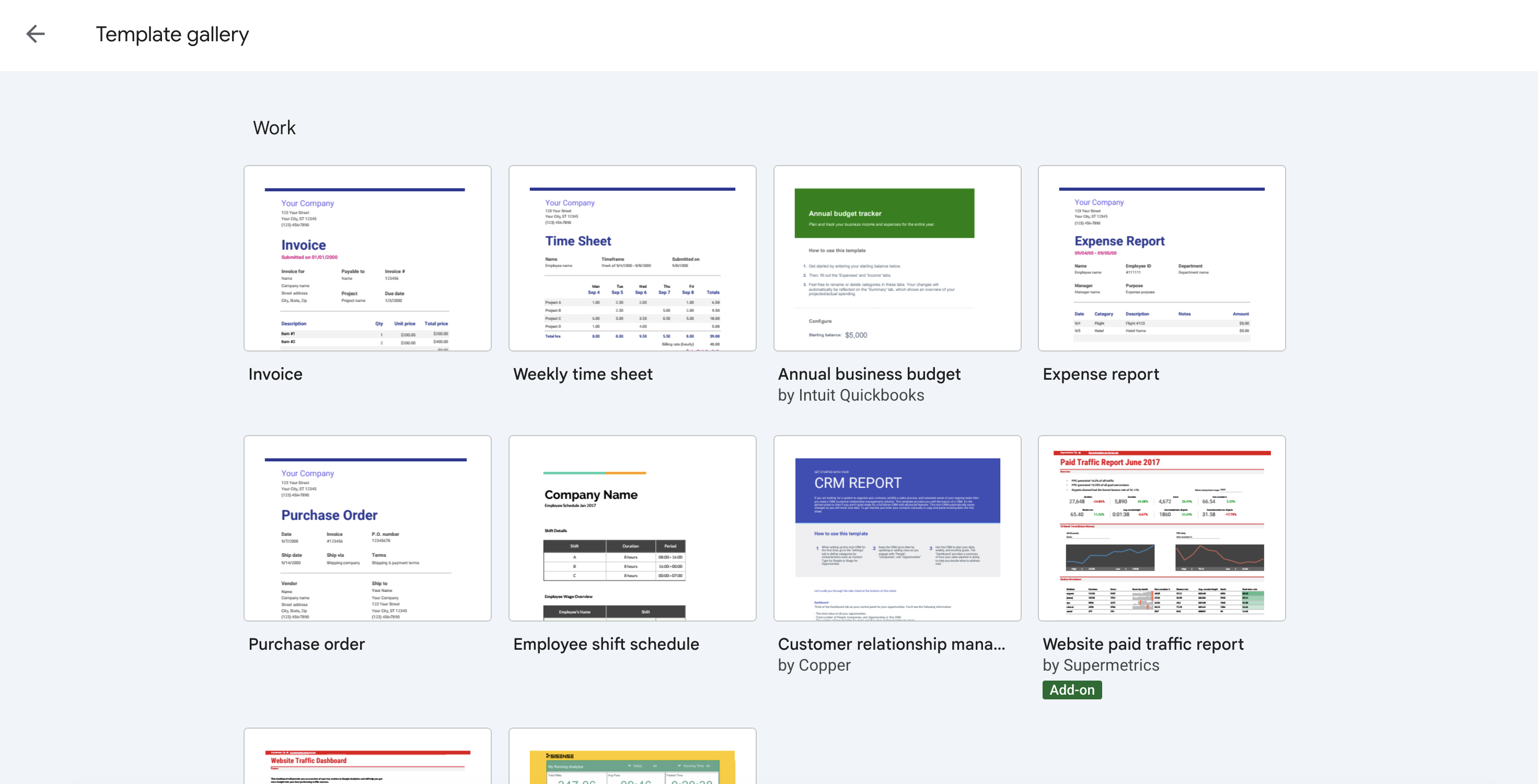
Google’s Work templates cover many of the spreadsheets businesses use every day.
Invoice template
Create professional invoices with fields for customers, products or services, quantities, prices, and payment information.
Weekly timesheet
Track the hours employees or contractors spend working during the week. A timesheet can also help with project billing and workload tracking.
Business budget
Plan revenue and expenses and compare your expected budget with actual spending.
Expense report
Record business expenses with information such as dates, categories, descriptions, and amounts.
Purchase order
Create purchase orders with vendor, product, shipping, and payment information.
Employee shift schedule
Organize employee shifts and make it easier to see who is working and when.
CRM template
Use a spreadsheet to organize customer and contact information. This can work well for a simple CRM, although more complex sales processes may benefit from a dedicated database.
Website traffic dashboard
Bring website traffic data into one spreadsheet and use charts and tables to monitor performance.
Analytics dashboard
Create a visual overview of important business metrics instead of working with raw numbers alone.
Project management templates
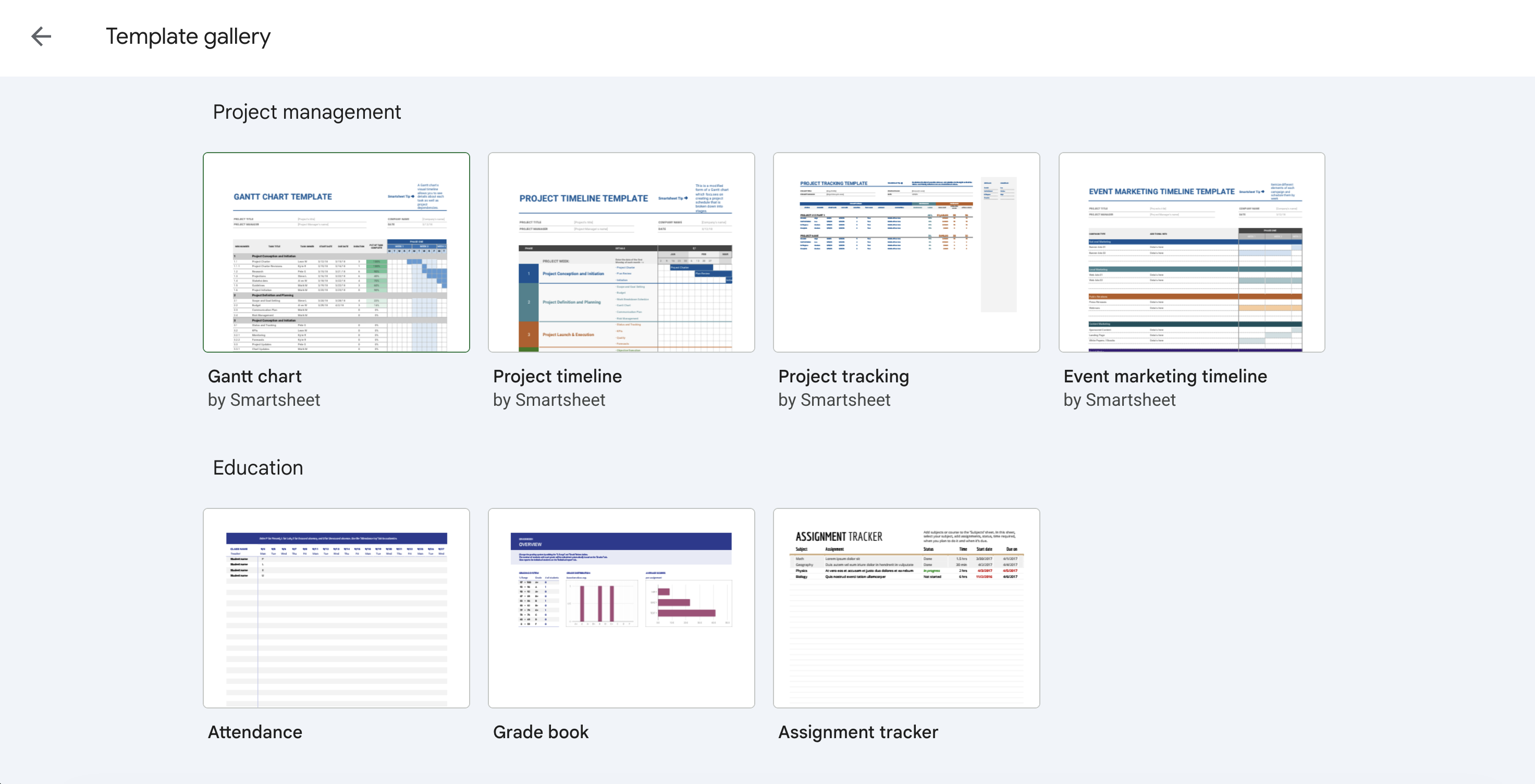
Google Sheets also includes templates specifically for managing projects. These include:
Gantt chart
A Gantt chart shows tasks across a timeline, making it easier to see project schedules and deadlines.
Project timeline
Use a project timeline to map important milestones and phases from the beginning to the end of a project.
Project tracking
Track project tasks, dates, status, and other information in one spreadsheet.
Event marketing timeline
Plan marketing activities around an event and keep track of when different activities need to happen.
These templates can be a good starting point for smaller projects. Google Sheets also has a Timeline view that can be used to visualize tasks, campaigns, schedules, and other plans.
Google Sheets templates vs. database templates
A spreadsheet template is useful when the information you’re managing fits naturally into rows and columns.
But some business workflows involve several types of related information. A CRM might need separate records for companies, contacts, deals, and activities. A project management system might connect projects, tasks, clients, and team members.
That’s where a database template can make more sense.
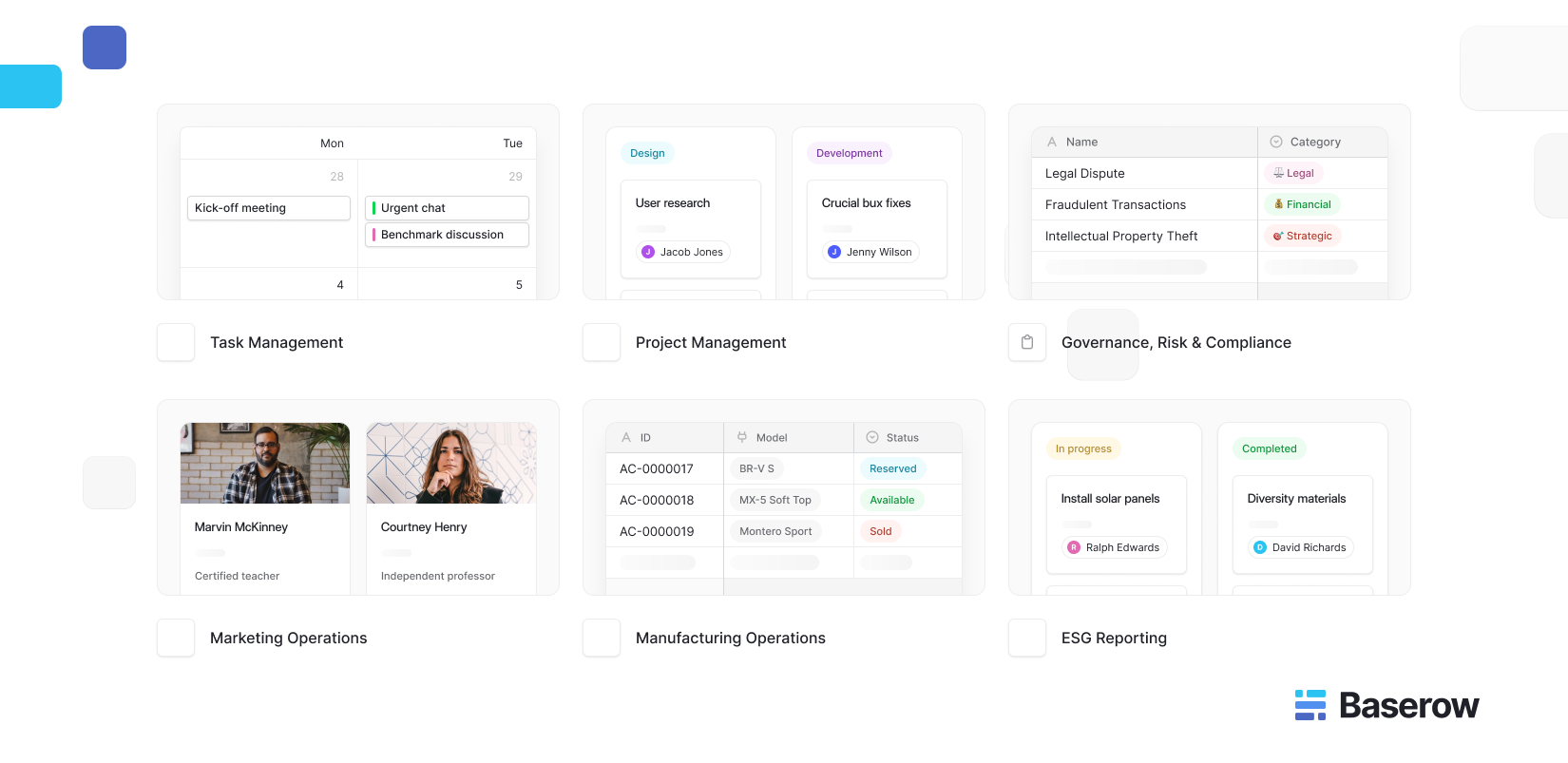
Baserow provides ready-made 100+ templates for project management, sales and CRM, marketing, finance, HR, inventory, and other business workflows. Templates come with pre-configured tables, fields, views, and sample data that you can customize.
For example, the Baserow Project Management template connects projects with tasks, clients, and team members and provides different views for managing the data.
You can browse Baserow’s template gallery if you need a more structured alternative to a spreadsheet.
When should you use Baserow instead of Google Sheets?
Google Sheets is a good choice when you need:
- A quick spreadsheet for calculations or reporting
- A simple tracker
- A familiar tool for collaborative editing
- A template that you can customize quickly
A database such as Baserow may be a better fit when you need:
- Multiple connected tables
- Different views of the same data
- Forms for collecting information
- More structured records
- A workflow that will grow beyond one spreadsheet
You don’t necessarily need to replace every spreadsheet. The better choice depends on how much structure your workflow requires.
FAQ
Does Google Sheets have free templates?
Yes. Google Sheets includes a Template Gallery with Google-created templates that you can copy and customize. Google provides templates for things such as budgets and order forms, while the gallery also includes templates for work and project management.
Where can I find Google Sheets templates?
Open Google Sheets and click Template Gallery in the top-right corner. From there, you can browse the available templates and select one to create a copy.
What are the best Google Sheets templates for work?
Some of the most useful options include invoice, timesheet, expense report, business budget, purchase order, CRM, Gantt chart, project timeline, and project tracking templates.
How do I get more templates for Google Sheets?
Start with Google’s Template Gallery. If you need a template for a more specialized workflow, you can also look at third-party template libraries or consider a database template.
Is there an alternative to Google Sheets templates?
Yes. Database platforms such as Baserow offer templates for workflows including project management, CRM, marketing, inventory, and finance. These can be useful when you need more structure than a traditional spreadsheet provides.
Google Sheets templates provide a quick starting point for common business tasks, from budgets and invoices to project tracking and reporting. If you need more structure, connected data, or flexible views, Baserow templates offer a database-based alternative for managing your workflows.


Baserow 2.4 adds Button fields, Graph elements, workflow automation, AI provider management, improved Group By views, and 30+ more updates.

Discover how Airtable and Baserow compare in features, flexibility, speed, and scalability. Compare pricing plans and hidden costs to make an informed decision!

Explore the best open-source software alternatives to proprietary products. Discover OSS tools, licenses, and use cases with our updated directory.