
Managing sensitive data, regulatory obligations, and security threats takes more than a collection of spreadsheets. When evidence sits across inboxes and shared folders, compliance teams struggle to see which controls work, who owns each risk, and what needs attention.
Open source GRC tools offer a flexible way to bring that information together. They can help organizations manage risk, coordinate reviews, and prepare for audits while retaining greater control over their systems.
However, choosing a platform requires more than comparing feature lists. Licensing, access controls, maintenance, and workflow design all affect its value. This guide explains what to look for, which options to evaluate, and how Baserow can support a tailored approach.
What is governance, risk and compliance (GRC)?
Governance, risk and compliance (GRC) connects business oversight, risk management, and the processes used to meet relevant obligations. Together, these disciplines help organizations make informed decisions and demonstrate accountability.
- Governance defines decision rights, policies, responsibilities, and business priorities.
- Risk management identifies potential problems, assesses their impact, and determines an appropriate response.
- Compliance tracks applicable obligations and the evidence needed to show they are being addressed.
GRC software brings these activities into a shared structure. Instead of maintaining separate lists, teams can connect requirements, policies, risks and controls, evidence, and remediation tasks.
For example, an access control requirement might link to a policy, a quarterly review, and evidence of completed checks. If the review fails, the team can record a finding and assign corrective action. That connection makes oversight more useful than a dashboard of isolated completion rates.
Why consider open source GRC software?
- Greater visibility into the software
Open source makes code available for inspection under its licence terms. Security teams can examine how a system operates or commission an independent review before using it for sensitive records.
Code access does not establish that a product is secure. Teams still need to assess vulnerabilities, release practices, dependencies, and the security of their own deployment.
- More control over deployment and customization
Self-hosting can provide control over infrastructure, data location, and update schedules. This may suit organizations with specific operational or contractual requirements.
Customization also helps teams reflect their actual processes. A supplier assessment may need different fields, review stages, and approval rules from an internal policy review. A flexible platform lets both processes share relevant information without forcing them into an identical template.
- A different cost structure
Some open source editions remove licence fees for core features. However, the total cost still includes hosting, backups, administration, upgrades, training, and support.
Compare those costs with a managed service before deciding. A free download can become expensive if your team must maintain extensive custom code or operate infrastructure without adequate support.
Essential features in modern GRC platforms
- Risk assessments with clear ownership
A risk register should capture the issue, affected assets, likelihood, impact, owner, and treatment plan. It should also distinguish initial exposure from the remaining risk after controls are considered.
For enterprise risk management, check whether the platform can accommodate operational, supplier, financial, and strategic risks alongside cybersecurity concerns. Shared scoring guidance matters: two departments should not assign different meanings to the same rating.
- Connected controls and compliance requirements
A useful system links controls and compliance requirements so teams can trace why a safeguard exists and how it is tested.
One control may support several obligations, but evidence should only be reused when its scope and testing period are relevant. Recording those relationships reduces duplicate work while preserving the detail reviewers need.
- Evidence management and internal audit
Look for evidence ownership, review dates, approval status, and links to the systems where records are stored. An uploaded document needs enough context to explain what it proves.
Internal audit also needs to distinguish completed tasks from verified results. A control owner may report that a review is finished, while an auditor still needs to inspect the evidence and document exceptions.
- Compliance tracking and workflow automation
Effective compliance tracking shows upcoming reviews, overdue tasks, missing evidence, and unresolved findings. Each item should have an accountable owner and a defined next step.
Automation can route requests, issue reminders, and escalate delays. Test what happens when an owner leaves, a deadline changes, or an integration fails. Reliable compliance workflows must handle those exceptions as well as routine tasks.
- Access controls, history, and reporting
Sensitive findings should only be visible to authorized users. Assess permissions, authentication options, activity records, retention settings, and export capabilities before deployment.
Dashboards should explain their data freshness. Collaboration in real time does not mean every connected source updates instantly. A report should show when evidence was collected and whether it has been reviewed.
Open source GRC tools worth evaluating
Baserow: a flexible foundation for custom GRC workflows
Baserow is an open source no-code database and application platform that teams can configure for governance processes. Its database relationships, forms, and views provide building blocks for structured information management.
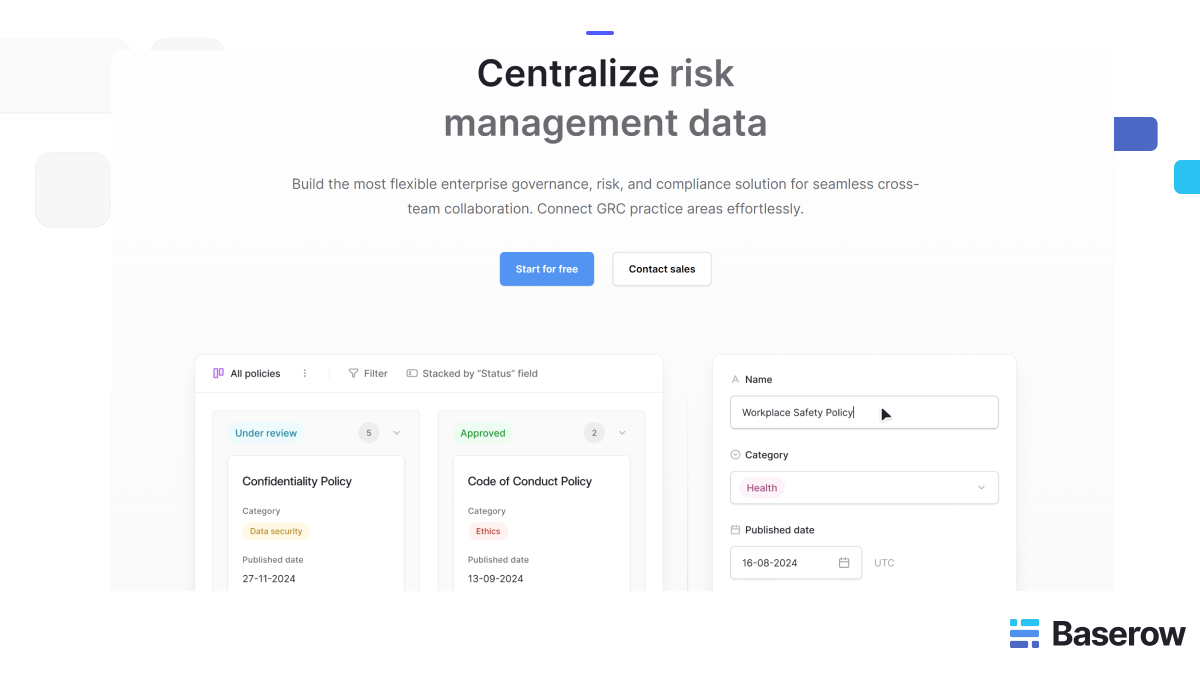
Its GRC solution outlines uses including risk registers, policy management, control assessments, and incident management. This makes it worth evaluating when your priority is adapting workflows around an existing operating model.
Baserow requires teams to design their data structure and review process. Assess how much configuration you need compared with a dedicated GRC suite that already contains framework libraries and assessment methods.
Also check edition requirements. Baserow’s audit log documentation identifies audit logs as an Advanced or Enterprise feature, with availability depending on deployment and scope. Include the required plan in your cost comparison.
OpenGRC: a dedicated self-hosted option
OpenGRC Community is a self-hosted GRC platform. Its published scope includes risk management, controls and implementations, vendor management, project management, and incident response.
It is a candidate for teams seeking dedicated GRC capabilities rather than building their own database structure. During a trial, check whether its terminology, assessment process, and reporting fit your organization.
OpenGRC distinguishes its Community edition from Enterprise services and premium modules. Review that boundary carefully, particularly if AI capabilities or managed hosting are part of your requirements.
CISO Assistant: an option for cybersecurity governance
CISO Assistant covers areas including risk management, compliance, audit, third-party risk, and reporting. Its published capabilities include framework mapping, making it relevant for teams coordinating cybersecurity assessments across multiple standards.
The project separates Community code under AGPLv3 from commercially licensed components. Confirm the edition and licence of the features and deployment package you intend to use.
Evaluate it with your own control library and evidence samples. A broad framework catalogue is useful only if the platform also supports your review process, ownership model, and reporting needs.
Tools that require a different classification
Some products in older comparison lists need more careful treatment. Eramba’s current FAQ states that its Community and Enterprise editions have accessible code but are not open source. It may still merit evaluation, provided its licence meets your needs.
GRR Rapid Response focuses on remote live forensics and incident response. It can support security investigations, but it serves a different purpose from a platform coordinating organization-wide GRC activities.
Compare products by the work they support, their current licence, and their maintenance model. A familiar product name or a community edition label does not establish suitability.
How to build a practical GRC workspace in Baserow
The following is an illustrative setup, rather than a customer case study. It shows how a team could structure a workspace using a configurable database approach.
1. Create a connected data model
Start with tables for risks, controls, requirements, evidence, policies, and actions. Give every record a clear identifier and an accountable owner.
Connect each risk to relevant controls, then connect those controls to applicable requirements. Evidence records should identify the assessment period, reviewer, source, and related control. These links help teams follow the reasoning behind a compliance decision.
2. Define ownership and review stages
Set consistent statuses such as requested, submitted, under review, approved, and needs changes. Specify who can move an item between stages and what information is required.
Where independent review is needed, separate the person supplying evidence from the person approving it. Confirm that the selected permission settings enforce the access rules your process requires.
3. Build views around daily decisions
Create focused views for high-priority risks, overdue evidence, upcoming policy reviews, and outstanding corrective actions. Control owners need a manageable task list; leadership needs a clear account of exposure and progress.
For example, a compliance manager could filter for evidence awaiting review this month. A risk owner could focus on treatment actions approaching their due dates. Both would work from connected records.
4. Introduce automation after testing the process
Once the manual workflow works, assess available integrations and automation options for reminders, task routing, and status updates. Define who investigates failed runs and how incomplete updates are detected.
Pilot the workspace with one team before expanding. Measure time spent collecting evidence, overdue reviews, and rework caused by missing information. These results will show whether the process is improving.
How to choose the right platform
Begin with three representative tasks: assess a supplier, test a control, and close an audit finding. Ask each vendor or project team to demonstrate the complete process using realistic data.
Score each option against five questions:
- Can users trace a requirement to its controls, evidence, and findings?
- Can permissions protect sensitive records without blocking necessary collaboration?
- Can nontechnical owners complete their work with reasonable training?
- Can the organization maintain, support, and recover the deployment?
- Can data and relationships be exported in a usable format?
A user friendly interface should make ownership, status, and next steps obvious. Test this with people who perform occasional compliance activities, rather than relying only on experienced administrators.
Compare costs over a realistic operating period. Include paid governance features, migration, integrations, training, support, and the effort required to maintain customizations. Record which capabilities you have tested and which remain assumptions.
Finally, assign responsibility for upgrades, access reviews, backups, and recovery tests. Open source provides flexibility, but a clear operating model turns that flexibility into a dependable service.
Plan a controlled migration from spreadsheets
Before importing existing records, review their quality. Remove duplicate risks, standardize owner names, and agree on a shared meaning for each status. Otherwise, a new platform will reproduce the confusion in a more polished interface.
Choose a small set of mandatory fields. For risks, these might include a description, business impact, owner, review date, and treatment decision. For evidence, capture the source, relevant period, reviewer, and retention needs. Add detail when it supports a decision rather than collecting information without a purpose.
Keep historical context where it matters. An old assessment may explain why management accepted a risk or delayed a control improvement. Decide which records belong in the live workspace and which should remain in a protected archive with clear retrieval rules.
Run one full review cycle before retiring the previous process. Check whether owners receive their tasks, reviewers can access evidence, and reports reflect approved information. Test exports and recovery procedures using sample records, including links between tables.
Measure success through operational outcomes. Useful indicators include the proportion of risks with current owners, the number of overdue reviews, and the time required to assemble an evidence package. Review these measures regularly to identify bottlenecks and decide where further automation is justified.
Give users a short guide that explains their responsibilities and shows a completed example. Include an escalation route for access problems, unclear requirements, and disputed findings. This reduces informal workarounds and helps occasional contributors complete tasks consistently.
After the pilot, review the structure with control owners and auditors. Remove fields nobody uses, clarify confusing labels, and resolve repeated exceptions. Expand to additional teams only when the process produces dependable records and the people responsible can sustain it.
Where AI powered capabilities can help
AI powered features can assist with drafting control descriptions, summarizing evidence, and suggesting links between requirements. Treat these outputs as proposals for review, particularly when they influence assessments or management reporting.
Before enabling a model, establish what information it receives, where processing occurs, and how access restrictions apply. Sensitive evidence may contain employee details, customer records, or confidential security findings.
Keep a human reviewer responsible for final judgments. A smooth summary may miss an exception, misread a test period, or suggest a mapping that fails the requirement.
Choose AI capabilities around a defined task and measurable benefit. Reducing drafting time is useful; accepting an unsupported compliance conclusion introduces another risk to manage.
Frequently asked questions
1. What are open source GRC tools?
Open source GRC tools help teams track risks, rules, and controls in one place. Their code is open to view and use under set licence terms. Some tools support GRC.
Others let you build your own workflows. Check what each version includes before you choose.
2. What makes a good GRC tool?
A good GRC tool links risks, controls, evidence, and tasks. It shows who owns each task, when it is due, and what needs review. Teams should find it easy to use and share reports. Choose a tool that fits your work and helps people make sound decisions.
3. Can open source tools support enterprise risk management?
Yes, if they cover the types of risk your business faces. Enterprise risk management can include risks linked to money, suppliers, daily work, and long-term plans. Check that the tool supports shared risk scores and clear reports. A tool built for IT risks may need changes to serve other teams.
4. Are open source GRC tools free?
Some tools offer core features with no licence fee. You may still need to pay for hosting, support, staff training, and system upkeep. Features such as audit logs or extra access controls may also cost more. Compare the full cost of running each tool before you decide.
5. How do GRC tools help compliance teams prepare for audits?
GRC tools help compliance teams collect evidence, assign tasks, and track due dates. They also link audit findings to the steps needed to fix them. This makes records easier to find and review. Teams must still check that the evidence is complete and that controls work as intended.
6. What is the difference between GRC and compliance tracking?
Compliance tracking identifies which rules apply, specifies what evidence you need, and indicates when tasks are due. GRC also covers how a business makes decisions and deals with risk. Linking these areas helps teams see why each control matters and what could happen if it fails.
7. Can Baserow replace a dedicated GRC suite?
Baserow may suit teams that want to build their own risk registers, evidence records, and review steps. A dedicated GRC suite may include more ready-made tools and frameworks. Test both with real tasks. Include the time needed for setup and the cost of any paid features you need.
8. Are open source GRC platforms secure?
Open source code can be checked for flaws, but this alone does not make a tool secure. Safety also depends on how you set up, run, and update the system. Check access controls, backups, and how the project handles security flaws. Assign someone to keep the system safe.
9. How should organizations introduce GRC workflows?
Start with one clear task, such as a regular control review. Set an owner, a due date, and rules for what evidence to provide. Test the process with a small team. Fix gaps in access, data, or training before you expand it to more people.
10. Should compliance workflows use AI?
AI can help draft text, sort records, and sum up evidence. Start with a small task and have a skilled person check the results. Set rules for which data AI can use. Keep people in charge of risk decisions, control reviews, and final audit findings.
Bring your GRC processes into one workspace
The right platform helps compliance teams connect obligations with evidence, ownership, and action. Start with your processes, test representative workflows, and choose the deployment model your organization can support.
For teams who want a flexible setup, Baserow is a good starting point. It brings risk management, compliance tracking, and related records together. Explore Baserow’s GRC solution, or sign up for free to begin designing a workspace around your team’s needs.

Baserow 2.4 adds Button fields, Graph elements, workflow automation, AI provider management, improved Group By views, and 30+ more updates.

Discover how Airtable and Baserow compare in features, flexibility, speed, and scalability. Compare pricing plans and hidden costs to make an informed decision!

Explore the best open-source software alternatives to proprietary products. Discover OSS tools, licenses, and use cases with our updated directory.