
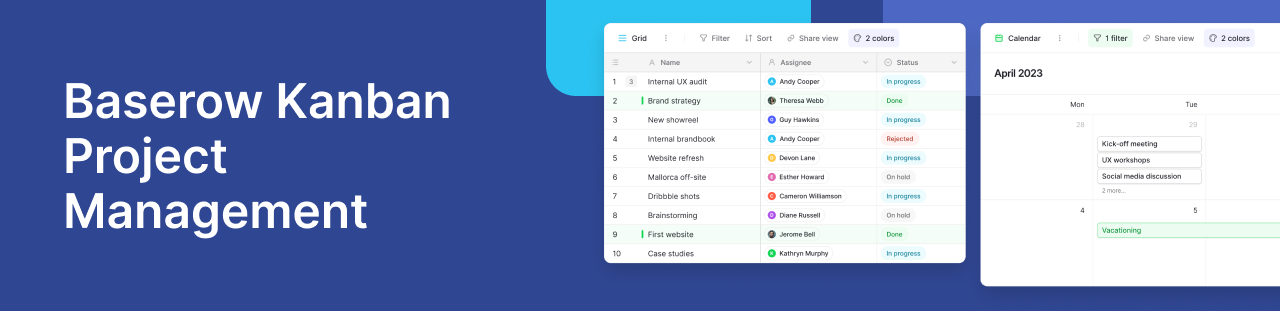
If you are managing a sales pipeline, a content calendar, or an agile sprint in a traditional spreadsheet, tracking the status of individual tasks can quickly become an overwhelming wall of text.
Moving away from static rows and utilizing a Kanban board allows you to visualize your entire workflow at a glance. For teams transitioning from tools like Airtable or Monday.com, Baserow’s Kanban view offers a seamless, drag-and-drop interface that transforms your underlying database into an interactive, stage-by-stage pipeline.
Here is a high-level look at how to use Baserow’s Kanban view to identify bottlenecks, coordinate with your team, and manage visual workflows.
Moving from spreadsheets to visual workflows
A Grid view is excellent for dense data entry, but it lacks the immediate visual clarity needed for process management. Kanban view solves this by organizing your database records into vertical columns based on a specific “Single select” field, such as priority level or project stage.
Instead of reading through rows to figure out what needs attention, each record becomes a standalone card. You can instantly see how many leads are in the “Qualified” stage, which bugs are “In Progress,” or what content is ready to be “Published.”
Customizing your Kanban pipeline
Every workflow is unique. Baserow allows you to tailor your Kanban board to display exactly what your team needs to see without cluttering the interface.
Organizing cards by status
Your Kanban columns are dictated by a “stacked by” field. If you organize your board by a “Status” field, your columns might be To Do, In Progress, and Done. Because the board is dynamic, you can easily change the “stacked by” field at any time. Switching it to an “Assignee” field will instantly reorganize all your cards into columns based on who is handling the work, providing a completely different perspective on your database.
Designing the card
You don’t need to open a full database record just to see what a task is about. You can customize the interface of your Kanban cards to display only the most critical information.
By toggling field visibility, you can hide backend data and only show high-priority fields, reordering them so the most important details sit at the top of the card. If your table includes file uploads, you can even set a “Cover field” to display images or logos at the top of each card, which is perfect for visually identifying products, team profiles, or design assets.
FAQs about Kanban workflows
How do I update a task status without manually editing spreadsheet cells?
Instead of clicking into a dropdown menu to change a status, Kanban view relies on intuitive drag-and-drop functionality. When you click and drag a card from the “In Progress” column and drop it into the “Review” column, Baserow automatically updates that record’s underlying Single select field.
Do changes on a Kanban board automatically sync with my main database grid?
Yes. Your Kanban board is simply a visual layer placed over your central database. When you drag a card to a new column, or add a new card directly to a specific stage, the data updates instantly across all other views. Team members looking at the traditional Grid view or a connected Calendar view will see the status changes in real-time.
What happens to my Kanban cards if a status field is left blank?
If a record does not have a value assigned to the field your board is organized by, it isn’t lost. Baserow automatically groups these records into an “Uncategorized” column. This makes it incredibly easy to identify new database entries or form submissions that still need to be assigned a status or workflow stage.
Can I have multiple Kanban boards for the same database like in Airtable or Monday?
Absolutely. Because each Kanban view is driven by a single field, you can create multiple, distinct Kanban boards for different purposes. You might have one board stacked by “Project Phase” for the management team, and another board stacked by “Priority Level” for the developers—all pulling from the same underlying dataset.
Learn more about Managing Complex Projects with Baserow Kanban Views.


Baserow 2.4 adds Button fields, Graph elements, workflow automation, AI provider management, improved Group By views, and 30+ more updates.

Discover how Airtable and Baserow compare in features, flexibility, speed, and scalability. Compare pricing plans and hidden costs to make an informed decision!

Explore the best open-source software alternatives to proprietary products. Discover OSS tools, licenses, and use cases with our updated directory.