
Every app you use, every website you visit, and even your school records rely on one thing—data. This data needs to be stored, organized, and accessed quickly. That is where databases come in.
In simple terms, a database is a collection of data that is stored in a structured way so it can be easily accessed and managed. Whether it is customer information, product lists, or student records, it helps keep everything organized.
Today, even non-technical users can build and manage databases using tools like Baserow, which makes working with data simple and visual. This shift has made them more accessible than ever.
What Is a Database? (Simple Definition)
A database is an organized system for data storage. It allows users to store, retrieve, and update information efficiently.
Think of it like a digital notebook or a spreadsheet. Instead of writing things on paper, you store them in a system that lets you search, filter, and update information quickly.
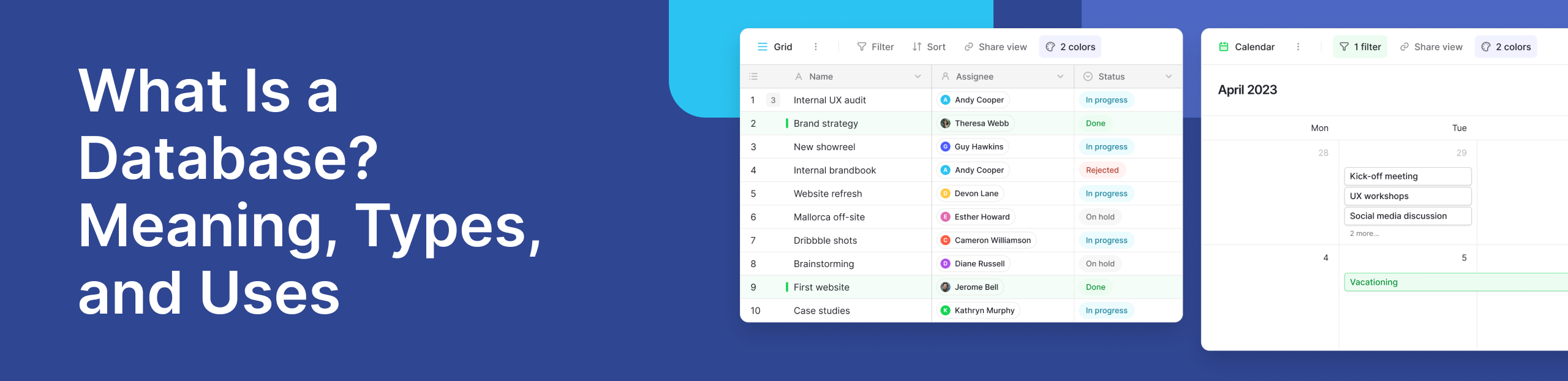
Most of them organize data into rows and columns. Each row represents a record, and each column represents a specific type of information. This structure helps users find and manage data without confusion.
According to Oracle, they are essential for managing large amounts of information efficiently. They are used in almost every industry today.
Why Databases Are Important Today
They are everywhere. From social media apps to banking systems, they power the systems we rely on daily.
One key reason they are important is ensuring data accuracy. When information is stored properly, it reduces errors and duplication. This is especially useful for businesses that handle large volumes of data.
Another benefit is speed. Modern databases support real time access, meaning users can get updated information instantly. For example, when you check your bank balance, the data is retrieved in real time.
Cloud databases have also changed how businesses operate. Instead of storing data on a single computer, companies can now store and access data from anywhere. This improves flexibility and teamwork.
Some of the Key Components
It is more than just stored information. It includes several important parts that work together.
1. Data: This is the actual information stored in the system. It can be numbers, text, images, or files.
2. Database Management System DBMS: The DBMS is the software that helps users interact with the database. It controls how data is stored, retrieved, and updated. Learn more about how this works in this guide on database systems explained.
3. Users and Database Administrators: Users interact with the database, while its administrators manage and maintain it. They ensure the system runs smoothly and securely.
4. Access Control: Access control determines who can view or edit data. This helps protect sensitive information.
5. Data Security: Keeping data safe is critical. Databases use different methods to protect information from unauthorized access. This includes encryption and permissions.
How Databases Work
Databases work by storing information in a structured format and allowing users to interact with it.
When you want to access data, you send a request using structured query language SQL. This language helps retrieve specific information from the database.
For example, a simple query can find all students in a certain class or all orders above a certain amount.
Behind the scenes, the database processes this request and returns the results quickly. This is what makes databases high performance systems.
Many modern tools also support automation and integrations. For instance, platforms like Baserow allow users to build workflows that update data automatically without writing complex code.
Types of Databases Explained
There are many types of databases, each designed for different needs. Understanding these types helps you choose the right one.
- Relational Databases: Relational databases store data in tables with rows and columns. This structure makes it easy to organize and query data. A common example is Microsoft SQL Server, which is widely used in businesses to manage structured data.
- NoSQL Databases: They are more flexible. They do not rely on fixed tables and can store different types of data. They are useful for applications that handle large volumes of unstructured data, such as social media platforms.
- Hierarchical Database: It organizes data in a tree-like structure. Each record has a parent and child relationship. This type is useful for systems where data follows a clear hierarchy.
- Network Database: It is similar to a hierarchical model but allows more complex relationships between data points. It is more flexible and can handle many-to-many relationships.
- Object Oriented Databases: They store data as objects, similar to object oriented programming. This makes them suitable for applications built using modern programming languages.
- Distributed Databases: Distributed databases store data across multiple systems or locations. This improves reliability and performance.
- Cloud Databases: Cloud databases are hosted online. They allow users to access data from anywhere and scale easily as data grows. You can explore more about different types in this detailed guide on types of databases.
Database Software Programs List
There are many database tools available today, ranging from enterprise systems to database free software options. Some popular database programs include:
- Microsoft SQL Server
- MySQL
- PostgreSQL
- MongoDB
Many of these are considered open source relational database management system options, making them accessible to developers and businesses alike.
However, traditional tools often require technical skills. That is why modern platforms like Baserow are gaining popularity. They offer a simple interface while still providing powerful features.
A Real-World Example
To understand them better, think about a simple online store. Every time you browse products, add items to your cart, or place an order, a structure is working behind the scenes. It stores product details, customer information, and transaction records. For example:
- Product table → names, prices, stock levels
- Customer table → names, emails, addresses
- Orders table → purchase history
This setup allows businesses to track everything in one place. Larger companies often combine this data into a data warehouse, which helps them analyze trends and make decisions.
In the Baserow community, users often share how they build lightweight systems like CRMs or inventory trackers without coding. One common example is a startup using Baserow to manage customer leads, where each row represents a lead and columns track status, contact details, and follow-ups.
When Do You Need a Database?
Not every task needs one at first. But as soon as your data grows, things change. You typically need one when:
- You are handling large amounts of information
- Multiple people need access at the same time
- Data must be updated frequently
- You want real time insights
- You need structured data storage
For example, a small spreadsheet might work for a few entries. But once your data grows or your team expands, a proper structure becomes necessary.
Advantages of Using a Database
Databases offer several clear benefits that make them essential in modern systems.
- Organized Data Storage: Data is stored in a structured format, making it easy to manage.
- Faster Access to Information: Users can quickly search and retrieve specific data using queries.
- Improved Data Security: Systems include permissions and encryption to protect sensitive information.
- Better Collaboration: Multiple users can access and update data at the same time.
- Scalability: It grow with your needs, especially when using cloud-based solutions.
According to AWS, they help organizations scale efficiently while maintaining performance.
Common Challenges and How Modern Tools Solve Them
Despite their benefits, traditional databases can be difficult to manage. Some common challenges include:
- Complex setup and maintenance
- Need for technical knowledge
- High costs for infrastructure
- Data silos across teams
Modern solutions are changing this.
For example, no-code platforms remove the need for deep technical skills. Instead of writing queries manually, users can interact with data visually.
If you want a simpler approach, this guide on database for non-technical users explains how teams can manage data without coding. Tools like Baserow also help teams avoid complexity by offering:
- Visual table-based interfaces
- Easy collaboration
- Built-in APIs for integrations
- Workflow automation features
This makes management accessible to everyone, not just developers.
Database Use Case: Why Baserow Fits Modern Needs
Let’s take a practical example. Imagine a marketing team tracking campaigns. They need to store:
- Campaign names
- Channels
- Budgets
- Performance metrics
Using a traditional system might require multiple tools or technical setup. With Baserow, they can build it in minutes.
Each campaign becomes a row, and each metric becomes a column. Teams can update data in real time and share access easily.
Because Baserow supports integrations and APIs, it can connect with other tools. This helps teams create a central source of truth without complex infrastructure.
It also supports flexible structures, which makes it suitable for both simple and advanced use cases.
%20(1).jpg)
Quick FAQs of Databases
- What is a simple definition of it?: A database is an organized collection of data that can be easily accessed, managed, and updated.
- What are the 4 types of it?: Common types include relational, NoSQL, hierarchical, and network databases.
- What is the purpose of it?: The main purpose is to store and manage data efficiently so it can be accessed and used when needed.
- What are 5 advantages of it?: Better organization, faster access, improved security, easier collaboration, and scalability.
- When do we need one?: When data grows, needs structure, or must be shared across users or systems.
- What are the 5 main components of it?: Data, DBMS, users, access control, and security.
- What database software programs are commonly used?: Microsoft SQL Server, MySQL, PostgreSQL, and MongoDB are widely used.
- Are there free database tools available?: Yes, many open source and no-code tools are available for free.
- What is an open source relational database management system?: It is a database system that is free to use and allows users to store data in structured tables.
Conclusion
Databases are the foundation of modern digital systems. They help organize, store, and retrieve data efficiently, making them essential for both small projects and large-scale applications.
As data continues to grow, the need for simple and flexible tools becomes more important. Platforms like Baserow make it easier for teams to build and manage them without complexity.
If you want to start managing your data in a simple and scalable way, you can try it here:


Baserow 2.4 adds Button fields, Graph elements, workflow automation, AI provider management, improved Group By views, and 30+ more updates.

Discover how Airtable and Baserow compare in features, flexibility, speed, and scalability. Compare pricing plans and hidden costs to make an informed decision!

Explore the best open-source software alternatives to proprietary products. Discover OSS tools, licenses, and use cases with our updated directory.