
TL;DR
- Baserow: Best for managing related income, expenses, and financial data in one system.
- Excel: Best for traditional spreadsheet budgeting.
- Google Sheets: Best for simple budgets and collaboration.
- Canva: Best for printable and visual budget templates.
- Financial websites: Best for guided budgeting worksheets.
Looking for a free budget template? You can find ready-made options in Baserow, Excel, Google Sheets, Canva, and financial websites.
The right choice depends on what you need: a customizable budget system, a simple spreadsheet, a printable worksheet, or a template built around a specific budgeting method.
1. Baserow — best for connected, automated financial data
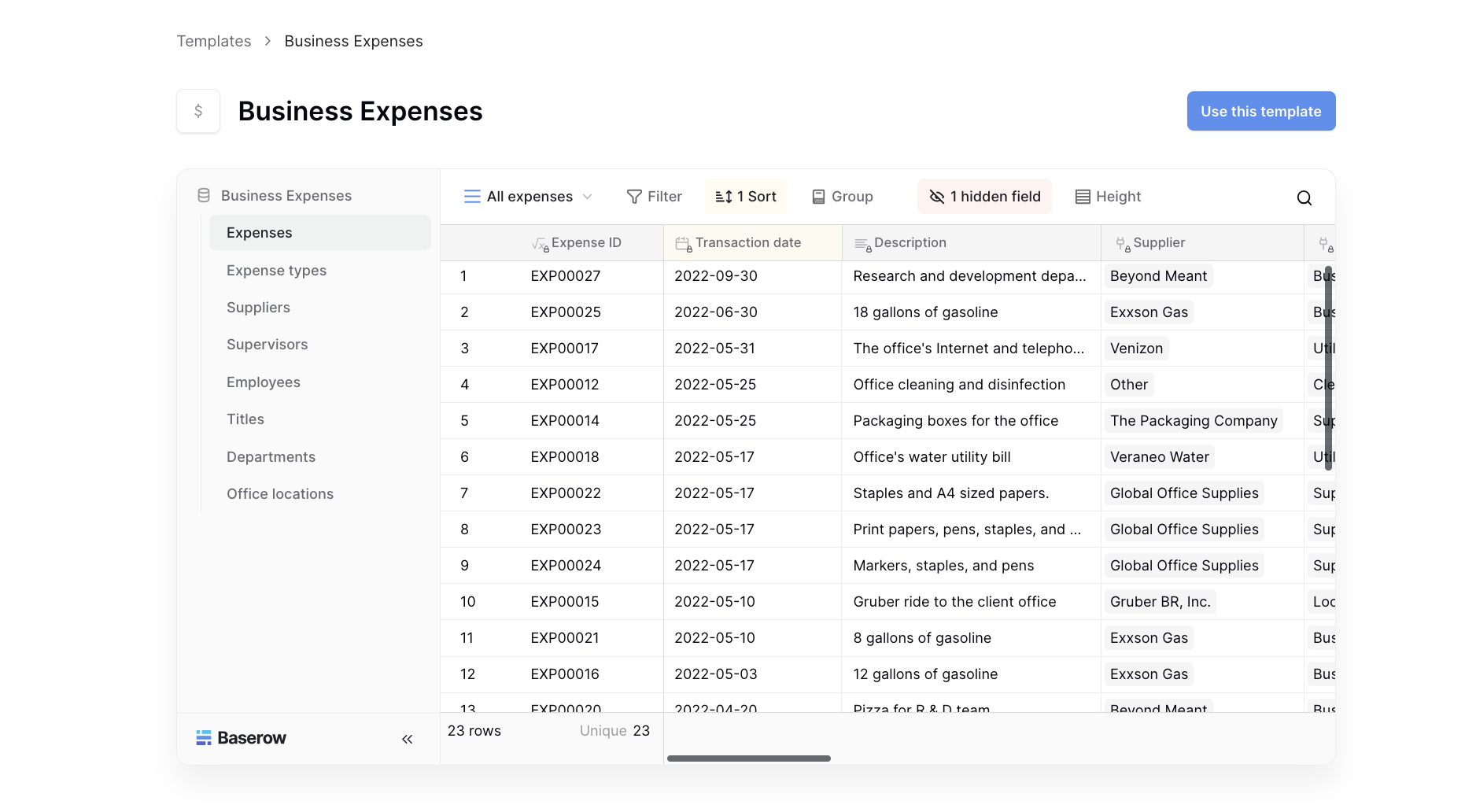
If you want more than a static spreadsheet, Baserow’s finance and accounting templates give you a starting point for managing business expenses, payroll, purchase orders, and other financial data.
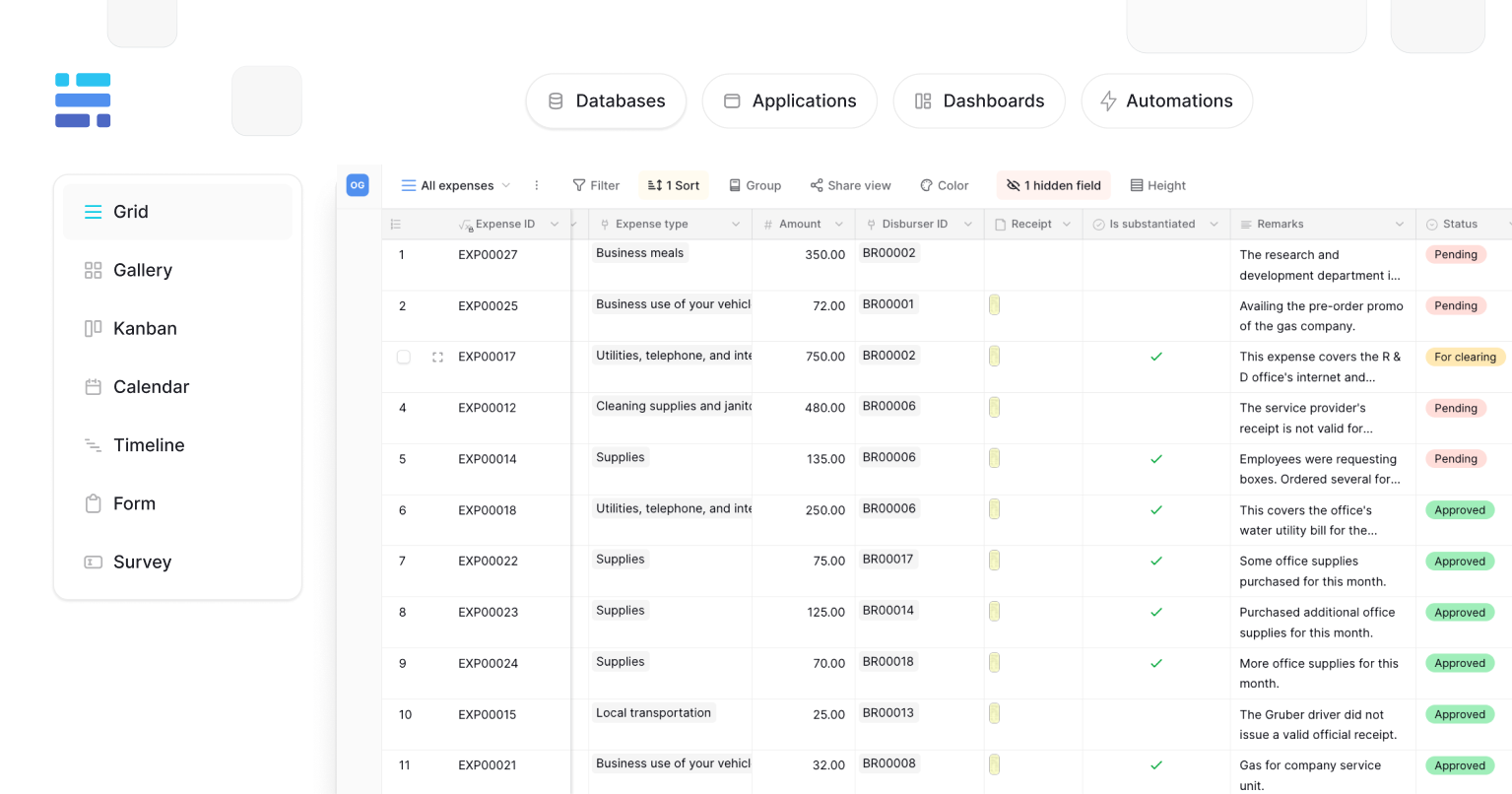
Instead of keeping separate spreadsheets for different finance processes, you can connect related data in one database. You can connect related data, customize fields and tables, create dashboards and interfaces, automate workflows, and use AI to work with your data.
Best for: Businesses and individuals who want a budget system that can grow beyond a spreadsheet.
Baserow templates are free, and you can customize them instead of rebuilding your budget every month.
If you’re comparing a flexible database with a traditional budget file, see our guide on Budget Planner Template: Beyond One-Size-Fits-All.
2. Microsoft Excel — best for spreadsheet budgets
Microsoft offers free budget templates for Excel, including monthly and personal budgeting spreadsheets.
Best for: Anyone who already uses Excel and wants formulas, calculations, and a familiar spreadsheet format.
Excel is a good choice for straightforward budgeting, especially if you want to download a template and customize it yourself.
3. Google Sheets — best for collaboration
Google Sheets is another easy place to find free budget templates. You can use a template online, customize it, and share it with other people.
Best for: Couples, families, or anyone who wants to manage a budget collaboratively.
The main advantage is that everyone can work from the same online document instead of passing spreadsheet files back and forth.
4. Canva — best for printable budgets
Canva has budget templates designed for both digital use and printing.
Best for: People who want a visually appealing budget planner or prefer to print their budget and fill it in manually.
Canva works particularly well for simple planning, but printable templates don’t offer the same flexibility as a database or spreadsheet.
5. Financial websites — best for guided budgeting
Financial education websites and credit unions often provide free budgeting worksheets. These can be useful if you’re looking for a specific method, such as a zero-based budget or 50/30/20 budget.
Best for: Beginners who want a guided worksheet rather than a completely customizable template.
Which free budget template is best?
| If you want… | Try… |
|---|---|
| Connected business finance data, dashboards, and AI-powered workflows | Baserow |
| A traditional spreadsheet | Excel |
| A collaborative budget | Google Sheets |
| A printable budget | Canva |
| A guided budgeting worksheet | Financial websites |
Best for long-term budgeting
If you’re only tracking a few expenses each month, a spreadsheet may be all you need. But if you want to track multiple income sources, expense categories, financial periods, and historical data, a customizable system can be easier to maintain.
That’s where Baserow can be a better fit than a fixed budget spreadsheet. You can start with a template and adapt it instead of rebuilding your budget every month.
Frequently asked questions
Where to find free budget templates?
You can find free budget templates in Baserow, Microsoft Excel, Google Sheets, Canva, and financial websites. Baserow is best if you want a customizable budget system rather than a fixed spreadsheet.
What is the best free budget template?
The best option depends on your needs. Baserow is best for customizable budgeting, Excel for traditional spreadsheets, Google Sheets for collaboration, and Canva for printable budgets.
Does Baserow have a free budget template?
Yes. All Baserow templates are free, with options for both personal finance and business finance, including budgeting, expenses, payroll, and more.
Can I customize a free budget template?
Yes. Most spreadsheet templates can be edited, while Baserow lets you connect data, customize your structure, build dashboards and interfaces, and use AI to work with your financial data.
Summary
You can find free budget templates in many places, but the best choice depends on how you plan to use them.
Excel and Google Sheets are good for simple spreadsheet budgets. Canva and financial websites are useful for printable or guided templates. Baserow is a better fit when you want to connect financial data, build dashboards and interfaces, automate workflows, and use AI as your budgeting system grows.


Baserow 2.4 adds Button fields, Graph elements, workflow automation, AI provider management, improved Group By views, and 30+ more updates.

Discover how Airtable and Baserow compare in features, flexibility, speed, and scalability. Compare pricing plans and hidden costs to make an informed decision!

Explore the best open-source software alternatives to proprietary products. Discover OSS tools, licenses, and use cases with our updated directory.