
Introduction
As digital products grow, their data needs change. What works for a small internal tool or early-stage application often breaks under real-world scale. More users, more workflows, and more integrations push systems beyond their original limits. At that point, teams face a hard reality: their data architecture must evolve.
This is where database migration comes into play. It is not just a technical exercise, but a structural shift that affects reliability, performance, and trust in the system. When handled poorly, migration can introduce downtime, inconsistencies, or even permanent data loss. When done well, it creates a foundation for long-term scalability.
Modern teams increasingly rely on AI-driven tools, no-code platforms, and automation to move fast. These tools help early on, but they also accelerate the moment when systems outgrow their initial setup. Planning for migration early reduces risk and makes future changes predictable instead of disruptive.
What Database Migration Really Means for Growing Systems
At its core, database migration involves moving data, structure, and logic from one environment to another while keeping the system usable and accurate. This usually happens when an existing setup can no longer support performance, governance, or flexibility requirements.
A critical factor here is the underlying database management system. Different systems handle indexing, relationships, permissions, and scaling in different ways. Migrating between them is not a copy-and-paste task. It requires understanding how data is stored, how applications depend on it, and how future changes will be managed.
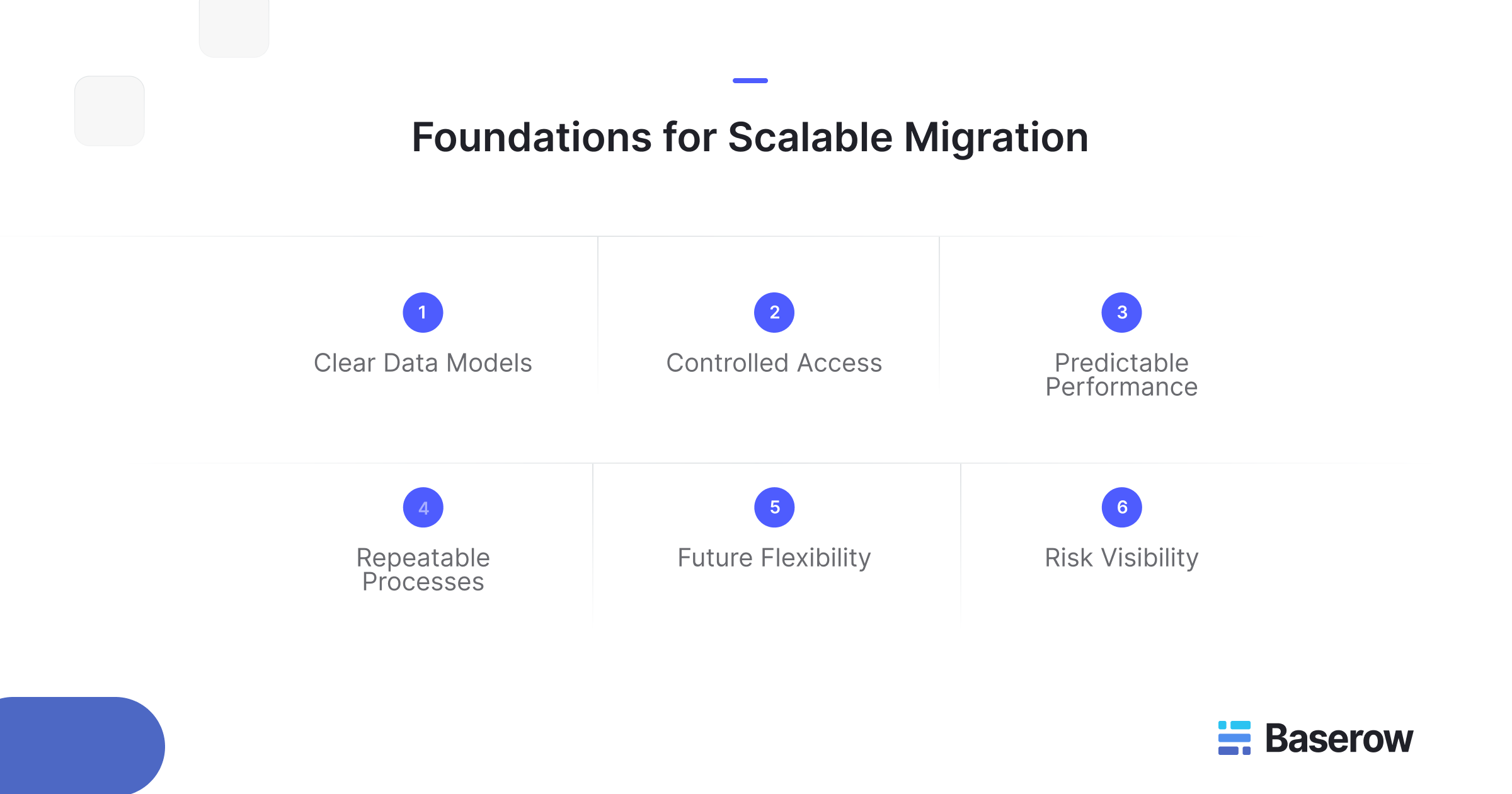
For growing systems, migration is often triggered by the need for clearer data models, stronger controls, or better integration options. Treating it as a one-off event rather than an ongoing capability is a common mistake. Scalable teams design migrations as repeatable processes, not emergencies.
Common Triggers That Force Migration
Most migrations are not planned from day one. They are reactions to pressure. Some of the most common triggers include:
- Rapid growth in users or records that slows down queries
- Increasing complexity in relationships between tables
- New reporting or analytics requirements
- Compliance, security, or audit constraints
- The need to integrate with external systems
As systems evolve, database schema migrations become unavoidable. Fields change, tables split, and relationships deepen. Without a clear strategy, these changes stack up and make future transitions harder.
This is why many teams start exploring platforms that give them more structural control earlier. Tools that encourage explicit schemas and relationships help teams adapt without rewriting everything later.
Understanding Source and Target Environments
Every migration starts with two sides: the source and target databases. The source reflects current reality, including all its shortcuts and historical decisions. The target represents where the system needs to go.
Problems arise when teams underestimate the differences between source and target databases. Data types may not map cleanly. Constraints may behave differently. Assumptions baked into applications may no longer hold.
To avoid issues, teams validate the target database before moving production data. This includes checking schema compatibility, testing queries, and confirming that data integrity rules behave as expected. Skipping this step often leads to silent errors that surface only after users are affected.
Core Database Migration Strategies
There is no single right approach to migration. The correct strategy depends on system size, risk tolerance, and operational constraints.
Some teams choose a full cutover, moving everything at once during a scheduled window. Others prefer phased approaches, running old and new systems in parallel while validating results. These migration strategies balance speed against safety.
Downtime migration is sometimes unavoidable, especially for tightly coupled systems. However, planning read-only periods and rollback paths reduces user impact. The key is aligning technical decisions with business expectations rather than treating migration as a purely engineering concern.
Tools and Services That Support Migration
Automation plays a major role in reducing manual effort. A database migration tool can help move records, transform formats, and validate transfers. More advanced setups use a schema migration tool to track structural changes over time and apply them consistently across environments.
In complex cases, teams rely on database migration service providers to handle orchestration and validation. This is common when systems are business-critical or regulated.
Regardless of tooling, automation should support understanding, not replace it. Blind execution without insight into the data migration process often creates long-term problems that are harder to undo than the original limitations.
Preventing Data Loss and Ensuring Consistency
The biggest fear during migration is irreversible mistakes. Data loss usually happens due to incomplete mappings, failed transformations, or overlooked edge cases. Ensuring consistent data transfer requires validation before, during, and after the move.
Teams often run checksums, record counts, and sample queries across environments. These steps confirm that what entered the target database matches what left the source.
Platforms that expose clear APIs and structured exports make this easier. For example, teams using Baserow often highlight how explicit tables and permissions simplify validation when moving between hosted and self-managed setups, as discussed in community threads like this guide on moving data between environments.
Managing Schema Changes at Scale
As systems grow, schema changes stop being rare events. New features introduce new fields. Old assumptions are removed. Without discipline, these changes accumulate technical debt.
This is where structured versioning and clear ownership matter. Teams that treat schema evolution as part of their release process avoid surprises later. Resources like Baserow’s guide on data modeling and migration at scale help teams think about structure early rather than react later.
Open vs Managed Databases in Migration Planning
As systems scale, teams must decide whether to operate their own infrastructure or rely on a managed database. This choice affects cost, control, and how future migrations are handled.
A managed database reduces operational overhead. Backups, patching, and scaling are handled by the provider. This works well for teams that want speed and predictable maintenance. However, it can also introduce limitations around customization, portability, and long-term cost.
By contrast, teams that choose an open source database often do so for flexibility and transparency. Open systems make it easier to inspect schemas, control exports, and plan future moves without vendor lock-in. This becomes important when teams expect change to be continuous rather than exceptional.
The right choice depends on how much ownership a team needs over structure and access. Migration planning should account not only for today’s move, but also for how easily the next one can happen.
Why Data Integrity Matters More Than Speed
Fast migrations are appealing, but speed alone does not define success. What matters most is preserving meaning and accuracy as data moves.
Maintaining data integrity means ensuring that relationships, constraints, and values remain correct in the target database. Records must not only exist, but also behave the same way in queries, reports, and downstream systems.
This is especially important when systems rely on structured relationships. Clear data models help teams verify outcomes and catch mismatches early. When integrity checks are skipped, issues often surface weeks later, when fixing them is far more expensive.
Migration Lessons from Real Teams
Real-world migrations rarely follow a perfect plan. Community discussions reveal patterns that formal guides often miss.
In the Baserow community, teams frequently discuss moving between hosted and self-managed environments as their needs evolve. One common theme is underestimating how long validation takes. Moving records is easy. Proving that everything still works is not.
Another lesson is that migrations often expose hidden dependencies. Fields used in automations, integrations, or reports may not be obvious until something breaks. Teams that document these dependencies early face fewer surprises.
You can explore similar conversations and real examples from teams navigating these challenges in the Baserow community space.
How Baserow Supports Scalable Migration Paths
Platforms designed around structured data make migration easier by default. Baserow’s approach focuses on explicit tables, relationships, and permissions, which reduces ambiguity when systems grow.
Recent improvements introduced in Baserow 2.0 strengthen this further by expanding performance, role management, and extensibility. These updates help teams scale without rethinking their structure every time requirements change. When migration becomes necessary, clear exports and APIs simplify the transition.
For teams evaluating tooling with long-term flexibility in mind, Baserow’s product overview explains how structured data and open architecture support evolving systems and database migration process without locking teams into rigid workflows.
Migration Features That Matter Long Term
Short-term success is not enough. Scalable systems are built on platforms that expect change.
Key database migration features include versioned schemas, export flexibility, rollback support, and clear access controls. These features help databases to ensure future migrations remain predictable instead of disruptive.
Teams that treat migration as a recurring capability, not a one-time project, reduce risk over time. This mindset shifts migration from a crisis response to a standard operational practice.
Frequently Asked Questions
- What are the types of database migration?
Common types include homogeneous migrations between similar systems, heterogeneous migrations across different technologies, and platform migrations such as on-premise to cloud.
- What are the four types of data migration?
Storage, application, database, and business process migration are the four commonly referenced categories.
- What is the 7 step model of migration?
It typically includes assessment, planning, design, testing, execution, validation, and optimization.
- What are the five migration steps?
Discovery, preparation, execution, verification, and monitoring form a simplified five-step model.
- What are the 6 migration strategies?
Rehost, refactor, replatform, rebuild, retire, and retain are commonly used strategies depending on system goals.
- What are the 4 R’s of migration?
Rehost, refactor, revise, and rebuild are often used to classify migration intent.
Conclusion
Scalable systems are not defined by avoiding change, but by handling it well. Migration is part of that reality. Teams that invest in structure, validation, and flexibility early reduce risk as their systems evolve.
Choosing tools and platforms that support clarity over convenience makes future transitions smoother. Migration then becomes a controlled process instead of an emergency response.
If you are designing systems that need to grow without breaking, structured platforms like Baserow can help you manage data today while staying prepared for tomorrow. You can explore and experiment at your own pace by signing up here.


Baserow 2.4 adds Button fields, Graph elements, workflow automation, AI provider management, improved Group By views, and 30+ more updates.

Discover how Airtable and Baserow compare in features, flexibility, speed, and scalability. Compare pricing plans and hidden costs to make an informed decision!

Explore the best open-source software alternatives to proprietary products. Discover OSS tools, licenses, and use cases with our updated directory.