
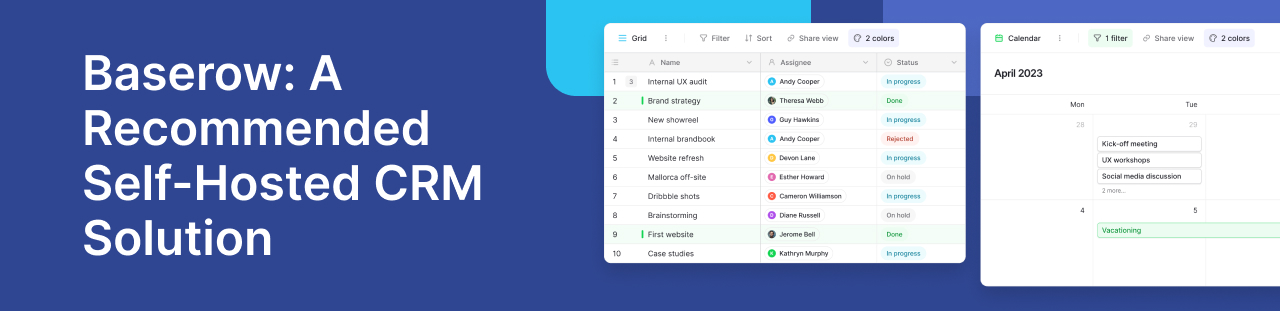
Which self-hosted CRM solutions should you consider? They are many options worth exploring. Baserow deserves a place on your shortlist when you need a custom CRM that combines flexible customer records with control over your hosting environment.
Rather than adopting a fixed sales structure, you can build around your own process. Baserow brings contacts, companies, deals, and follow-up tasks into connected tables. Your team can manage daily sales activity while keeping the platform on infrastructure you control.
When is Baserow the right CRM choice?
Baserow suits teams that have outgrown spreadsheets but still need freedom to change their processes. Perhaps each customer has several contacts, deals involve multiple partners, or sales must share records with an onboarding team.
Baserow lets you define fields, connect tables, and create applications without extensive coding. This makes it useful when standard CRM layouts require workarounds.
For comparison, SuiteCRM offers established modules for sales, marketing, and customer service. Baserow’s appeal is the ability to shape a more specific workflow around your team’s requirements.
How Baserow adapts to your sales process
A useful CRM should make customer information easier to maintain and act on. Start with the records your team needs, then add views and connections as your process develops.
Connect contacts, companies, and deals
Effective contact management depends on understanding relationships. One company may have several decision-makers, while one contact may influence several deals.
In Baserow, you can create separate tables for companies, contacts, opportunities, and activities. Linked records form a data model that reflects these connections. Add fields for deal value, sales stage, account owner, and the next follow-up date.
For example, a salesperson could open a company record and find its linked contacts and opportunities. This structure helps reduce repeated data entry and gives colleagues a shared reference when responsibilities change. Agreeing on required fields also keep records consistent.
Give each team a useful view
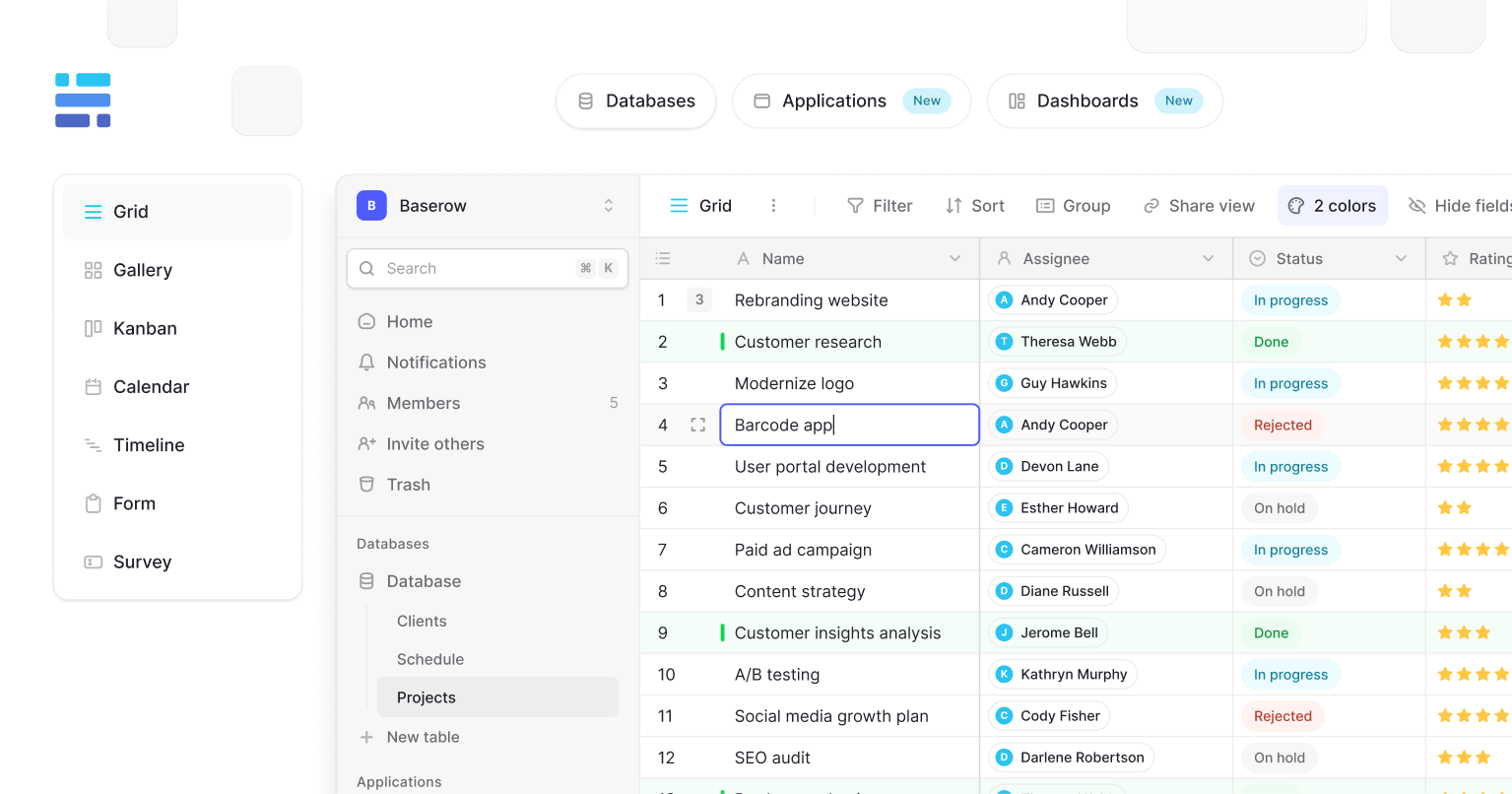
Sales managers and account owners often need different ways to review the same information. Baserow supports grid, Kanban, calendar, and form views, with availability depending on your plan.
A Kanban board can display opportunities by sales stage. A filtered grid can highlight deals awaiting follow-up, while a form can collect new enquiries.
These views use the underlying records, so teams can organise their work without maintaining separate spreadsheets. Baserow’s sales workspace examples also show how a CRM can connect with onboarding, support, and account management.
Connect your CRM with other tools
A CRM becomes more useful when information moves between the systems your team already uses. Baserow’s REST API provides a way to connect customer records with other applications.
In a community discussion about emailing contacts, contributors described using the API or services such as n8n, Make, and Zapier. The discussion illustrates how a contact database can support a wider communication workflow.
For example, an integration could retrieve selected contacts and pass them to an email service. Confirm the sending platform, permissions, and workflow before relying on it for customer communications.
Keep control of your CRM infrastructure
Self-hosting lets you choose where Baserow runs, including your own servers or a private cloud environment. This is useful when customer records must stay within infrastructure your organisation manages.
However, hosting control also brings responsibility. Your team must manage backups, updates, monitoring, and recovery. Baserow’s deployment guide explains the difference between managed Cloud and self-hosted environments.
Access control deserves equal attention. Define who can view or change customer information, and check which permission features your chosen plan includes. Filtered views organise work; permissions determine access.
The secure CRM guide provides further considerations for protecting customer records. Treat security as part of your deployment plan and ongoing administration.
.jpg)
What could a Baserow CRM look like in practice?
A finance CRM community discussion describes a team seeking complex company relationships, deal tracking, and integrations for a planned self-hosted deployment. These are stated requirements, rather than evidence of a completed implementation.
An illustrative setup could link each company to its contacts, active deals, and assigned account manager. Each opportunity could hold its value, stage, expected close date, and next action.
When a deal closes, an onboarding record could connect sales with the delivery team. Colleagues would retain the customer context instead of copying it into another spreadsheet.
This is where Baserow fits particularly well: teams can design the relationships and handovers their business needs, then test the workflow before expanding it.
What should you confirm before committing?
Test Baserow with a small set of real customer records. Check permissions, email connections, and the views your team needs. Review Baserow’s plans for paid features and budget for server maintenance.
When comparing an open source CRM, check the licence as well as hosting options. Software that has been open sourced may still include paid features or services.
Frequently asked questions
-
Is Baserow a ready-made CRM or a CRM builder? Baserow is a database and application platform you can use to build a CRM. You choose the fields, relationships, and workflows your team needs.
-
Which Baserow plan do I need for my CRM? Choose a plan based on required views, permissions, and other features. Confirm that it supports your intended self-hosted setup before committing.
-
Can I import existing customer records? Yes. You can import spreadsheet data, then configure links between tables. Clean duplicate records and check field types before inviting your team.
-
Can Baserow send customer emails automatically? You can connect records to email tools through integrations. Test triggers, recipient details, and sending rules before enabling a live workflow.
-
Can sales and account management share one database? Yes. Both teams can use connected customer records. Configure permissions for each role and create views that support their daily tasks.
-
Can I try Baserow before setting up a server? Yes. Baserow Cloud lets you explore the platform before planning a self-hosted deployment.
Build a CRM around your team
Start with contacts, deals, and follow-up tasks. Test one sales workflow, gather feedback, and expand what works. Try Baserow to build a CRM around your team’s needs.


Baserow 2.4 adds Button fields, Graph elements, workflow automation, AI provider management, improved Group By views, and 30+ more updates.

Discover how Airtable and Baserow compare in features, flexibility, speed, and scalability. Compare pricing plans and hidden costs to make an informed decision!

Explore the best open-source software alternatives to proprietary products. Discover OSS tools, licenses, and use cases with our updated directory.