
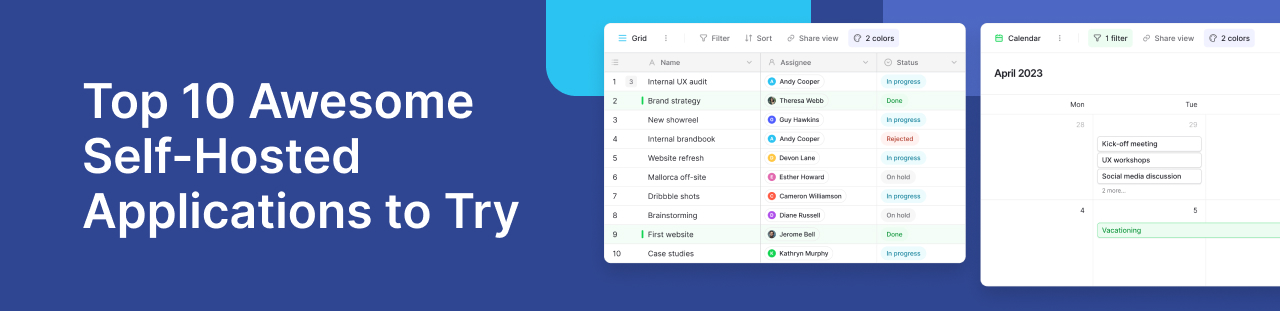
Self-hosting means running applications on hardware or servers you control. The best self hosted applications meet everyday needs: Baserow for structured data, Nextcloud for files, and Jellyfin for media. These self hosted apps give you more choice over where data lives, while you manage updates, backups and access.
What should you check before self-hosting?
Choose a self hosting platform that matches your skills and hardware. Compare storage, running costs and backup options before installing self hosted software. Baserow’s deployment comparison explains managed hosting and running your own instance. Start with one application before adding more self hosted services.
10 applications worth running yourself
1. Baserow: organise team data
Baserow helps teams build databases and applications without code. Among self hosted productivity apps, it suits equipment lists and project tracking. Its self-hosted option lets you choose where your data runs.
2. Nextcloud: share files
Nextcloud brings file sharing and team collaboration together. It suits households or teams that need shared folders. Plan storage space and access rights before inviting users.
3. Jellyfin: stream your media
Jellyfin is a self hosted media server for organising and streaming your collection. You may need stronger hardware when video must change format during playback.
4. Immich: manage photos
Immich helps organise photos and videos on your own server. It suits growing photo libraries, but keep separate backups so a server failure does not destroy precious pictures.
5. Paperless-ngx: find scanned documents
Paperless-ngx makes scanned paperwork searchable through text recognition. Use it for receipts and records, with access controls that protect private documents from users who should not see them.
6. Home Assistant: connect home devices
Home Assistant connects compatible devices and supports home automation. Check each connection carefully, since some devices still need cloud services even when your server runs locally.
7. BookStack: document shared knowledge
BookStack groups information into books, chapters and pages. It provides a clear home for team guides, repair notes and tasks that people need to repeat.
8. Gatus: monitor your services
Gatus monitors service health and displays results on a status page. It supports alerts when checks fail, helping you spot problems across your self-hosted tools.
9. Forgejo: host code projects
Forgejo provides Git hosting and tools for working together on code. It suits teams that want control over their projects and can manage updates and backups.
10. FreshRSS: follow news feeds
FreshRSS collects RSS feeds in one reader. Follow project news and software updates without checking each website, helping you keep track of changes across your tools.
Keep your server inventory organised with Baserow
.png)
Consider a small team managing several servers. In Baserow, linked tables can connect applications, machines, owners and backup dates. Forms collect changes, while filtered views highlight missing details. For example, a team member could find which server runs Jellyfin, identify who maintains it, and see when someone last checked its backup.
A Baserow community discussion explores publishing applications within a local network, showing why network planning matters. Follow the setup guide when choosing how to install Baserow.
Use Baserow to organise your self-hosted tools
As your collection grows, keeping track of servers, app owners and backups becomes harder. Baserow gives your team a shared place to manage these details without building a database from scratch.
Create linked tables for servers, applications and maintenance tasks. Record where each app runs, who manages it, and when you last tested its backup. Forms make it easy to submit changes, while filtered views help you find overdue checks. For example, you could quickly identify every application affected when a server needs repairs.
With Baserow’s self-hosted option, you choose where this information lives. Follow the setup guide and check the license guidance for features that require a paid plan.
The community discussion about publishing apps on a local network raises a useful planning question. How will your team access its internal tools?
Start with a simple inventory and expand it as your needs grow. Try Baserow to explore the platform before planning your own deployment.


Baserow 2.4 adds Button fields, Graph elements, workflow automation, AI provider management, improved Group By views, and 30+ more updates.

Discover how Airtable and Baserow compare in features, flexibility, speed, and scalability. Compare pricing plans and hidden costs to make an informed decision!

Explore the best open-source software alternatives to proprietary products. Discover OSS tools, licenses, and use cases with our updated directory.