
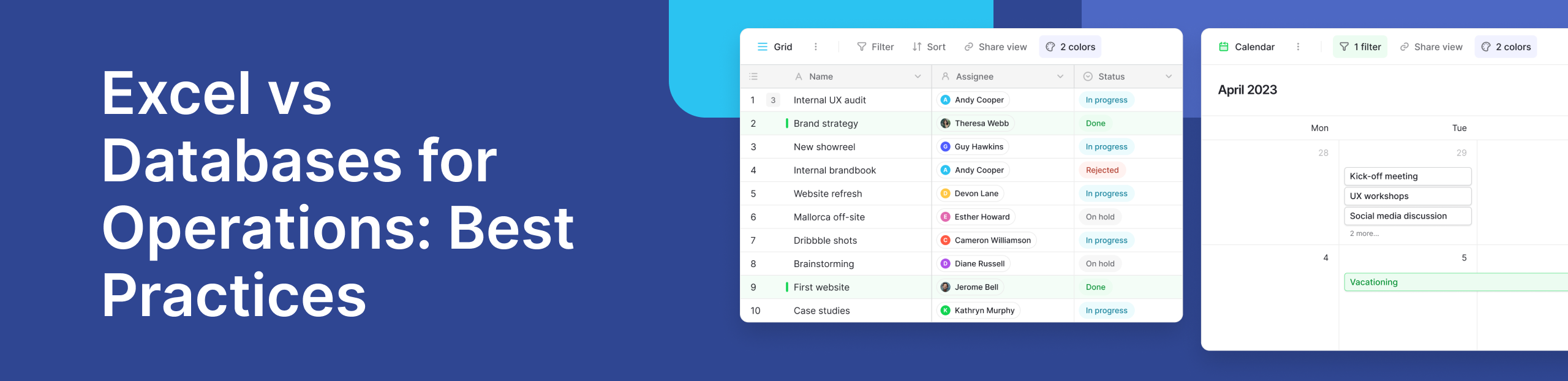
Operations teams rely on tools that help them track work, manage inputs, and keep processes moving. For many teams, spreadsheets are the first choice. They are familiar, flexible, and quick to set up. Excel, in particular, has long been used to support everyday data operations, from simple task lists to operational reporting.
However, as teams grow and processes become more complex, spreadsheets often begin to show limits. What works for a few hundred rows may struggle when teams need to handle large amounts of data, collaborate in real time, or maintain consistency across systems. This is where the comparison between spreadsheets and databases becomes relevant for modern operations.
This article explores how Excel compares with databases in operational contexts, what each does well, and when teams should consider moving beyond spreadsheets.
Why Excel Is Often the Starting Point for Operations Teams
Excel remains one of the most widely used tools in operations. One reason is its simplicity. The familiar structure of rows and columns makes it easy to enter and view information. New users can start working with minimal training, which lowers the learning curve for teams that need to move quickly.
For early-stage workflows, Excel feels intuitive. Teams can track inventory, log requests, or plan schedules without complex setup. This user friendly approach allows teams to manage your data without needing technical expertise.
Another reason Excel is common in operations is flexibility. Teams can shape spreadsheets to fit almost any process. Formulas, filters, and basic charts make it possible to explore trends and organize information. For small teams working with limited data storage needs, Excel often feels like enough.
How Excel Handles Growing Operational Data
Strengths of Spreadsheets
Spreadsheets are effective when working with a limited scope. They support basic structured data and allow teams to visualize information quickly. Simple charts and tables help with reporting and reviews. For teams working with small datasets, Excel can remain reliable and easy to maintain.
Excel also supports basic data visualization, allowing teams to create charts and summaries directly from operational data. These visuals help teams spot trends, review performance, and share updates during planning or review meetings. For small datasets, this level of visualization is often sufficient and easy to maintain without external tools.
Excel offers clear advantages for early-stage operations. It is quick to set up, widely understood, and flexible enough to support many day-to-day tasks. Teams can adapt spreadsheets easily without changing tools, which makes Excel useful in fast-moving environments.
However, the pros and cons become more visible as operational complexity increases. While Excel works well for small workflows, it struggles to maintain accuracy and performance when files grow larger, multiple users collaborate, or data needs to stay consistent over time. These trade-offs often prompt teams to evaluate more structured systems as operations scale.
Where Excel Breaks Down at Scale
Limits with Size and Performance
Problems begin when operational data grows. As spreadsheets expand, performance often slows. Handling large datasets becomes difficult, especially when files contain thousands of rows with formulas. Excel was not designed to work with millions of records or to support constant updates across teams.
When teams manage a large amount of information in a single file, even small changes can cause delays or errors. This becomes more noticeable as large amounts of data accumulate over time.
Data Integrity and Control Challenges
Another issue is data integrity. In spreadsheets, data rules are often enforced manually. A single incorrect edit can break formulas or overwrite critical values. Teams may duplicate files to avoid conflicts, which increases the risk of outdated or inconsistent information.
Ensuring accuracy becomes harder as more people edit the same file. It is difficult to ensure data consistency when changes are made across multiple copies. Over time, this creates gaps in trust and makes audits harder.
What Databases Do Differently
The key differences between database and spreadsheet systems lie in structure and purpose. Spreadsheets focus on visual layout and manual manipulation. Databases are built to manage databases reliably at scale.
In a database vs spreadsheet comparison, databases prioritize rules, relationships, and controlled access. This approach reduces errors and improves long-term reliability. Databases store information in structured formats that are optimized for querying and updates.
Built for Scale and Structure
Databases are designed to handle large datasets without slowing down. They manage structured data efficiently and support long-term data storage without performance loss. Unlike spreadsheets, databases enforce rules automatically, which helps protect accuracy as systems grow.
For operations teams working with expanding processes, this structure becomes critical. Databases reduce manual checks and help teams maintain consistency across workflows.
The following explainer video illustrates the functional differences between spreadsheets and databases, with a focus on data structure, scalability, and operational efficiency.
Databases in Real-World Operations Workflows
Operational systems often require multiple people to work at the same time. Databases support multi user access while maintaining control over changes. Updates can happen in real time without overwriting others’ work.
This capability is essential for teams managing live processes such as order tracking, resource planning, or service requests. Databases allow teams to collaborate without the conflicts that often appear in shared spreadsheets.
Common Spreadsheet Tasks That Signal a Need for a Database
Many teams spend time performing manual spreadsheet actions that hint at scaling problems. Learning how to move columns in Excel, how to combine two cells in excel, or how to separate names in excel are common tasks. While these actions solve short-term needs, they often point to deeper structural issues.
Teams also compare Excel vs Google Sheets to improve collaboration. While Google Sheets improves sharing, it does not solve the underlying limits of spreadsheets when data grows or processes become complex.
When Operations Teams Should Move from Excel to a Database
A common question is whether Excel can be used like a database. While spreadsheets can store data, they lack the safeguards and scalability of true database systems. This is why many teams explore why DBMS over Excel becomes necessary as operations expand.
When teams need to handle large datasets, maintain consistent rules, and support ongoing collaboration, databases become a more reliable choice. Understanding when to use a database vs Excel helps teams avoid bottlenecks before they impact daily work.
A Practical Operations Use Case from the Baserow Community
In the Baserow community, teams often describe starting with Excel to manage internal operations. As processes grow, they encounter issues with version control, errors, and limited visibility. Some teams transition to a structured approach using a no-code database to keep workflows organized without losing flexibility.
This shift allows teams to maintain familiar spreadsheet-like views while benefiting from stronger structure and control, as discussed in Baserow’s perspective on using a database instead of Excel and the comparison between a spreadsheet vs no-code database.
How Baserow Fits Between Excel and Traditional Databases
For many operations teams, the challenge is not choosing between simplicity and structure. It is finding a tool that offers both. This is where platforms like Baserow sit between spreadsheets and traditional database systems.
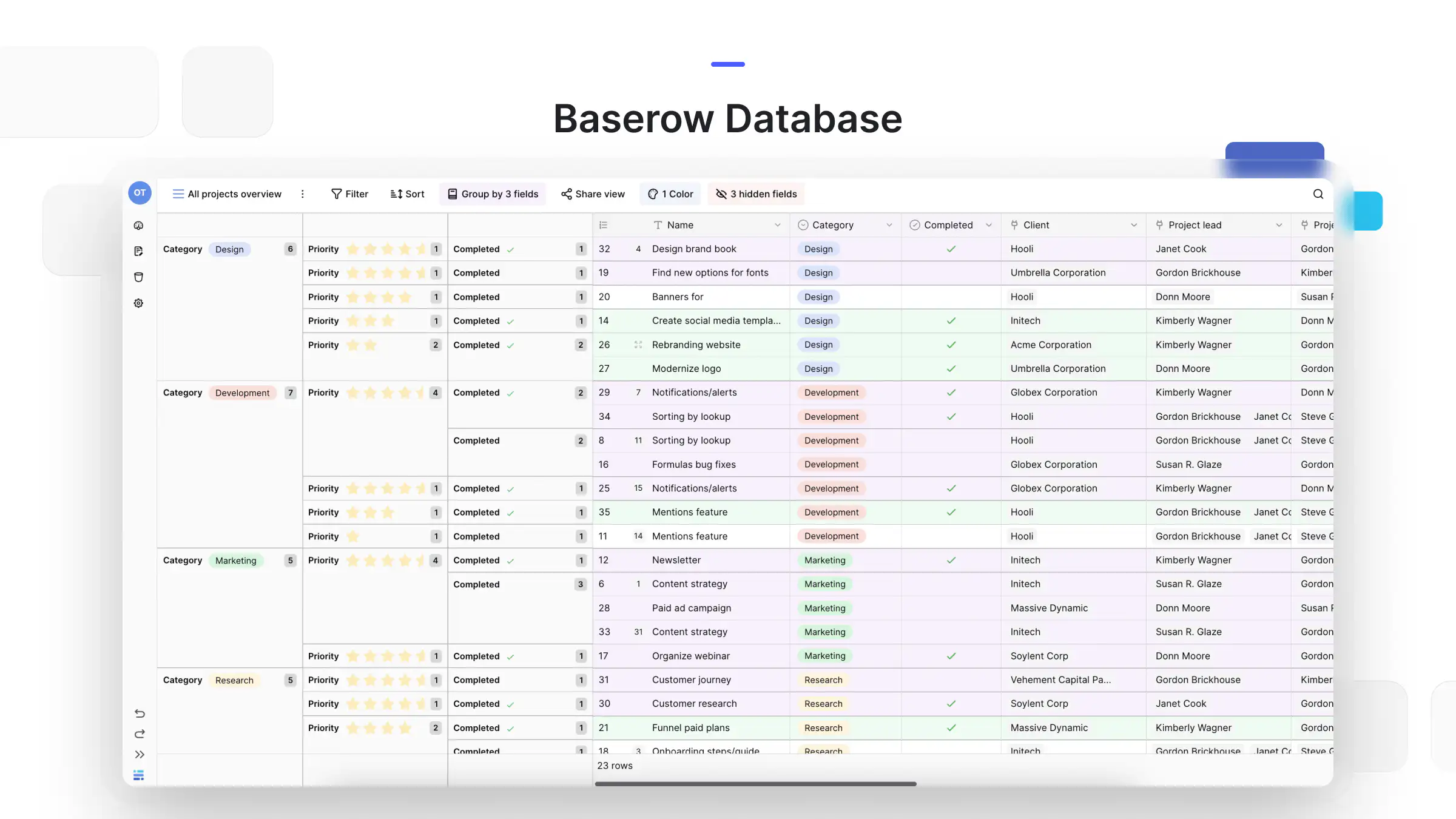
Baserow keeps the familiar spreadsheet-style interface while adding database-level structure behind the scenes. Teams still work with rows and columns, but the data is stored in a way that supports growth, consistency, and collaboration. This makes it easier to manage databases without requiring technical expertise.
As operations scale, teams often need to track relationships between records, enforce rules, and avoid duplication. Baserow supports these needs while remaining accessible to non-technical users. Its approach aligns with the idea explored in this article on using a database instead of Excel, where structure becomes essential as workflows mature.
A Relevant Operations Use Case
Consider an operations team managing internal resource allocation. Initially, the team uses Excel to track requests, availability, and timelines. As the business grows, the spreadsheet expands into hundreds of rows. More contributors join, and updates happen daily.
Soon, problems appear. Duplicate entries creep in. Changes overwrite previous updates. Reporting becomes slower. The team now works with a large dataset that Excel was not designed to handle efficiently.
By moving this workflow into a structured database environment like Baserow, the team can separate resources, requests, and timelines into connected tables. This makes it easier to manage your data, maintain accuracy, and adapt workflows without rebuilding spreadsheets. Similar examples appear frequently in discussions across the Baserow community, where teams describe moving from fragile spreadsheets to more reliable systems.
Baserow’s recent updates, outlined in the Baserow 2.0 release notes, further support these workflows with improved performance and collaboration features. These improvements are especially relevant for operations teams handling live processes.
When to Choose Excel, a Database, or a Hybrid Approach
Excel remains a good option when:
- Data volumes are small
- One or two people manage updates
- The focus is quick analysis or reporting
Databases are better suited when:
- Teams work with large datasets
- Accuracy and consistency matter
- Many users update data at the same time
For teams that want a smoother transition, a no-code database bridges the gap. It supports real time collaboration and structured workflows without the overhead of traditional systems. This hybrid approach is also reflected in modern resource planning discussions, such as those explored in this guide on resource management tools for modern teams.
Frequently Asked Questions by Operations Teams
- Why do companies use Excel instead of Google Sheets?
Excel is widely used because it offers strong offline capabilities and advanced analysis features that many teams already understand.
- What can Google Sheets do that Excel cannot?
Google Sheets improves collaboration by allowing users to edit files together in real time without version conflicts.
- Should you use Excel or Google Sheets?
The choice depends on collaboration needs and data size. Both tools work well for smaller workflows.
- Do accountants use Google Sheets or Excel?
Many accountants prefer Excel due to its advanced calculation and modeling capabilities.
- Can Excel be used like a database?
Excel can store data, but it lacks the structure and safeguards of database systems.
- Why DBMS over Excel?
A database management system provides better control, scalability, and reliability for growing operations.
- When to use a database vs Excel?
Databases are better when data grows, teams expand, and processes need consistency.
- What is the difference between database operations in MS Excel?
Excel focuses on manual manipulation, while databases automate structure, rules, and access control.
Final Thoughts
Excel remains a valuable tool, and databases are not a requirement for every team. However, as operations grow and data becomes more central to daily work, the limits of spreadsheets become harder to ignore. Understanding how Excel compares with databases helps teams make informed decisions before problems slow them down.
For teams looking to move toward more reliable and scalable systems without losing flexibility, exploring a no-code database approach can be a practical next step. You can learn more about how this works through Baserow’s product overview or try it directly by signing up.


Baserow 2.4 adds Button fields, Graph elements, workflow automation, AI provider management, improved Group By views, and 30+ more updates.

Discover how Airtable and Baserow compare in features, flexibility, speed, and scalability. Compare pricing plans and hidden costs to make an informed decision!

Explore the best open-source software alternatives to proprietary products. Discover OSS tools, licenses, and use cases with our updated directory.