
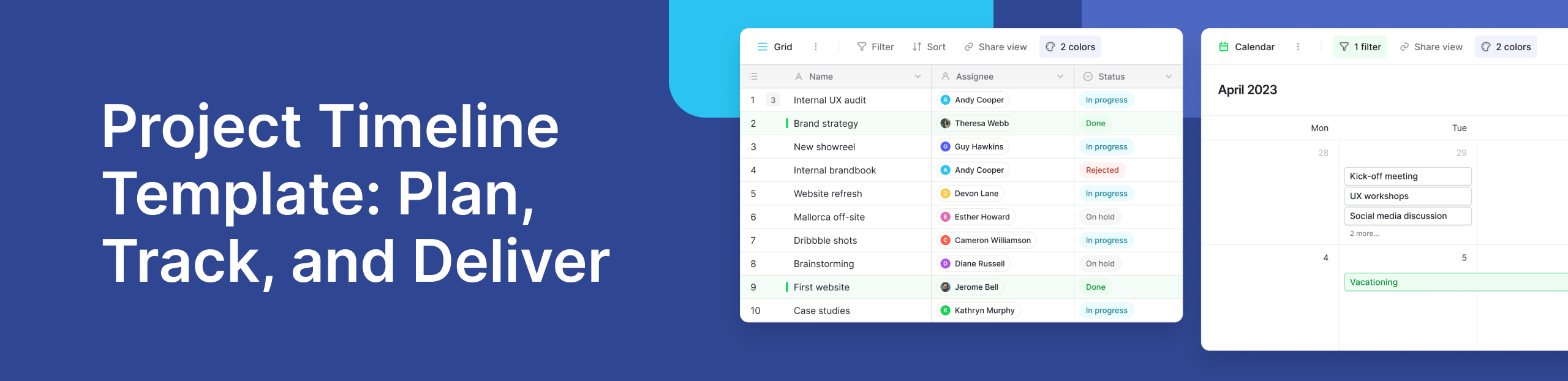
A project timeline template gives teams a clear way to plan tasks, track progress, and deliver work on time. Instead of managing dates and dependencies in scattered documents, a timeline creates a single view of how a project moves from start to finish. For teams handling multiple initiatives, timelines turn planning into a repeatable and reliable process.
What Is a Project Timeline Template?
A project timeline template is a structured layout that shows tasks, milestones, and deadlines across a defined time period. It helps teams visualise how work unfolds and how individual activities connect. Unlike a one-off schedule, a template can be reused across projects, making project management more consistent and predictable.
Many teams start with ready-made layouts such as those found in Baserow’s project management templates, which allow projects to be planned without building everything from scratch. Templates reduce setup time and encourage better planning habits from day one.
Why Project Timelines Matter for Project Planning
A strong project plan outlines goals, resources, and responsibilities, but timelines turn that plan into action. They help teams see what needs to happen next, where delays might occur, and how changes affect delivery.
Without clear project timelines, teams often struggle with missed deadlines and unclear priorities. This is why many organisations move away from static documents and toward structured planning tools that combine clarity with flexibility. Guidance from sources like Atlassian and the Project Management Institute consistently highlights timelines as a core planning practice.
Key Elements of an Effective Project Timeline
An effective timeline is simple but complete. Four elements make up a reliable structure:
- Tasks and milestones that define what needs to be done
- Timeframes that show start and end dates
- Dependencies that explain task order
- Ownership to clarify responsibility
Together, these elements support all major project phases. At a high level, projects often move through seven stages: initiation, planning, design, execution, monitoring, adjustment, and closure. A timeline helps teams manage each stage without losing momentum.
Common Types of Timeline Templates Teams Use
- Simple Task-Based Timelines
These timelines list tasks in order and work well for small or short projects. They are easy to maintain and provide basic visibility.
- Weekly and 4-Week Project Timelines
A 4 week project timeline breaks work into short planning cycles. This approach is common in agile teams and operational projects where priorities shift often. Weekly views make it easier to adjust workloads while keeping delivery goals realistic.
- Timeline Views for Ongoing Projects
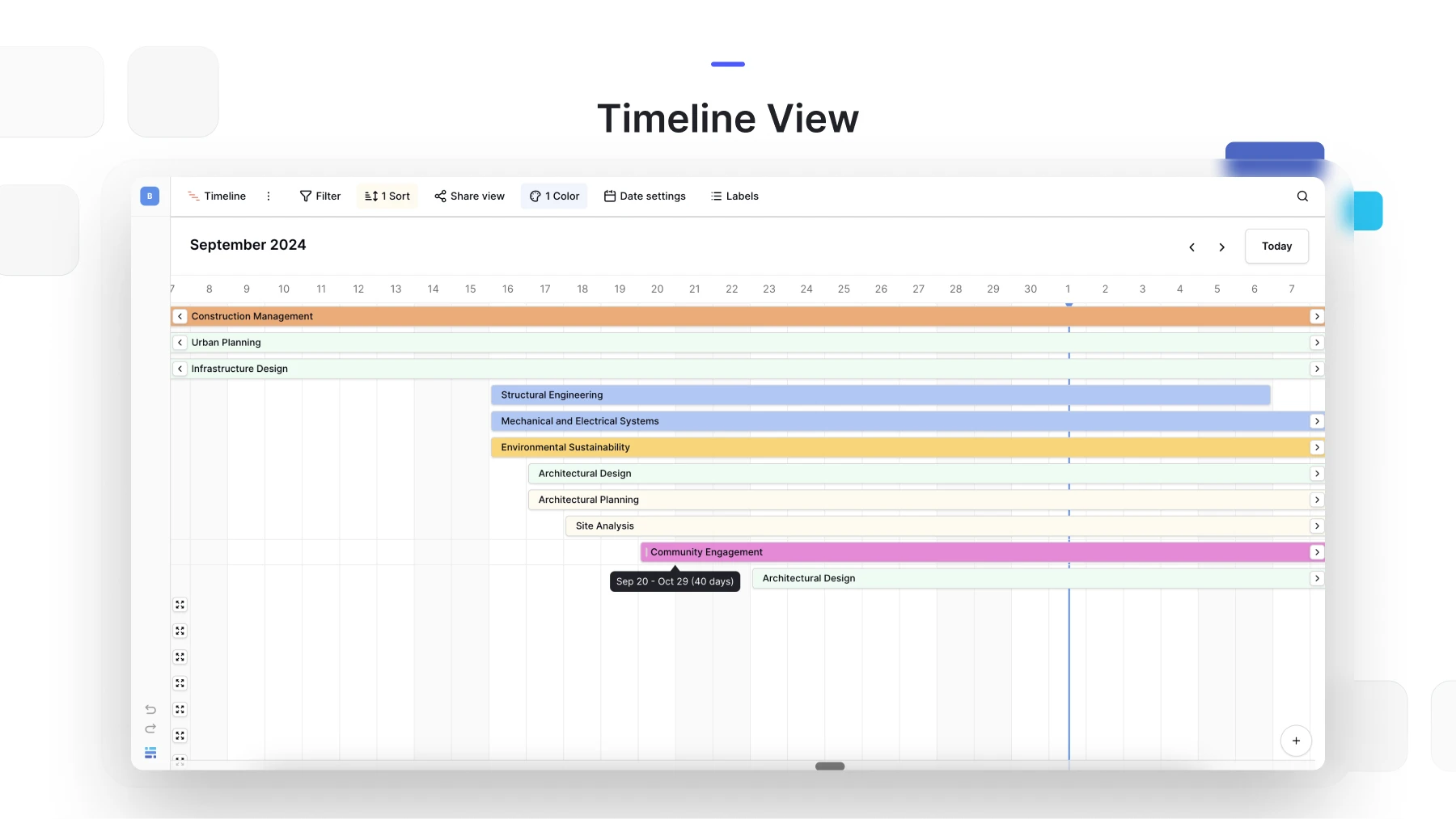
For long-running work, visual timeline views are more effective than static lists. Platforms like Baserow support timeline views that update automatically as tasks change, helping teams keep plans current without manual rework.
How to Write a Timeline for a Project
Writing a timeline starts with clarity. First, define the project scope and list all required tasks. Next, estimate durations and identify dependencies. Assign ownership, then map tasks across a realistic timeframe.
The final step is review. Timelines should evolve as work progresses. Teams that treat timelines as living documents, rather than fixed schedules, are better equipped to manage change and avoid delays.
Using Timeline Templates to Track Progress
Planning is only half the value. Timeline templates also support tracking. By updating task status and dates, teams can quickly see what is on track and what needs attention.
Many teams pair timelines with tracking layouts like Baserow’s project tracker templates, allowing progress updates to flow directly into planning views. This reduces manual reporting and keeps everyone aligned.
.png)
Real-World Use Case: Managing Projects with Baserow
Teams in the Baserow community often share how they adapt timeline templates for different workflows, from product launches to internal operations. Instead of rigid tools, they use flexible databases that adjust as projects grow.
With recent platform improvements introduced in Baserow 2.0, teams benefit from faster performance, improved views, and smoother collaboration. These updates make it easier to manage timelines at scale while keeping data structured and accessible.
Frequently Asked Questions
- What is a project timeline template?
A project timeline template is a reusable framework that maps tasks, milestones, and deadlines across a set time period. It shows how work progresses and how activities relate to one another. Teams use it to plan projects faster and maintain consistency across similar initiatives.
- How to write a timeline for a project?
Start by listing all project tasks and key milestones. Estimate how long each task will take and identify dependencies between them. Assign owners and place tasks on a timeline that reflects realistic start and end dates.
- What is a 4 week project timeline?
A 4 week project timeline divides work into weekly segments over a one-month period. It helps teams focus on short-term goals while keeping overall delivery on track. This format is useful for agile projects or fast-moving operational work.
- Which four items make up a project timeline?
A project timeline includes tasks, timeframes, dependencies, and ownership. Tasks define the work, timeframes show when it happens, dependencies explain order, and ownership ensures accountability. Together, these elements create clarity and structure.
- What are the 7 stages of a project?
The seven stages are initiation, planning, design, execution, monitoring, adjustment, and closure. Each stage supports the next, from defining goals to delivering outcomes. A clear timeline helps teams manage progress across all stages.
Start Building Better Project Timelines
A project timeline template helps teams move from intention to execution with clarity. Whether you are managing simple tasks or complex workflows, structured timelines improve focus and delivery. If you want a flexible way to build and adapt timelines, you can explore Baserow and create your own templates by signing up at here.

See who's editing in real time, organize data with new Group By views, execute JavaScript, build reusable workflows, import Excel files, and more in Baserow 2.3.

Discover how Airtable and Baserow compare in features, flexibility, speed, and scalability. Compare pricing plans and hidden costs to make an informed decision!

Explore the best open-source software alternatives to proprietary products. Discover OSS tools, licenses, and use cases with our updated directory.