
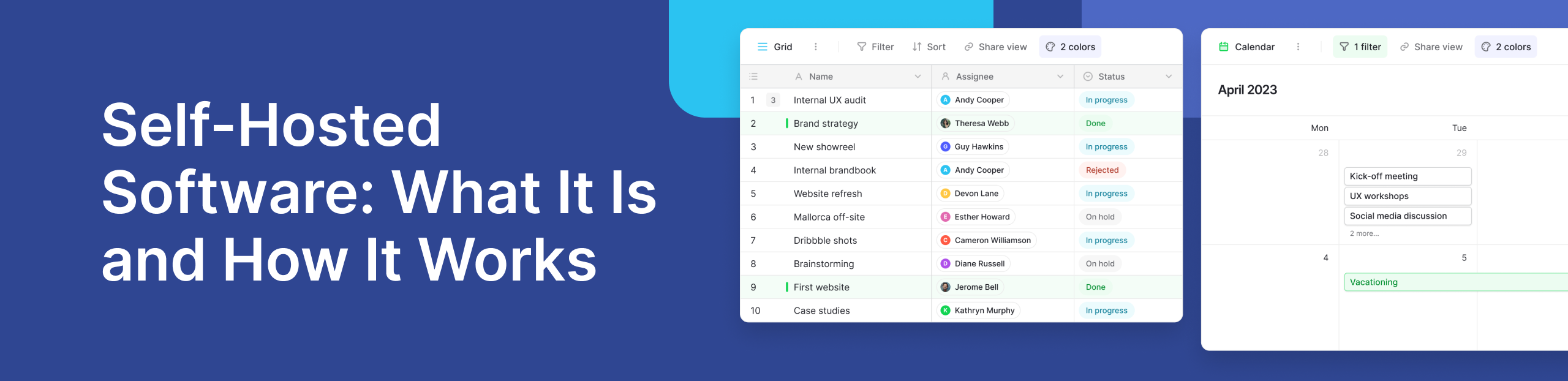
Airtable makes it easy to organize information and collaborate through a familiar spreadsheet-style interface. However, some businesses need more control over where their data is stored and how their systems are managed.
This is where self-hosted airtable alternatives can help. They give organizations the option to run software within infrastructure they control. This can be useful for teams with strict security, privacy, data residency, or governance requirements.
Open-source platforms are especially relevant here. They can provide more control over deployment and customization while still giving teams the simple interface they expect from modern no-code tools.
Why Look for a Self-Hosted Airtable Alternative?
Cloud software reduces the work needed to manage infrastructure. However, it also means relying on the provider’s hosting environment and deployment options.
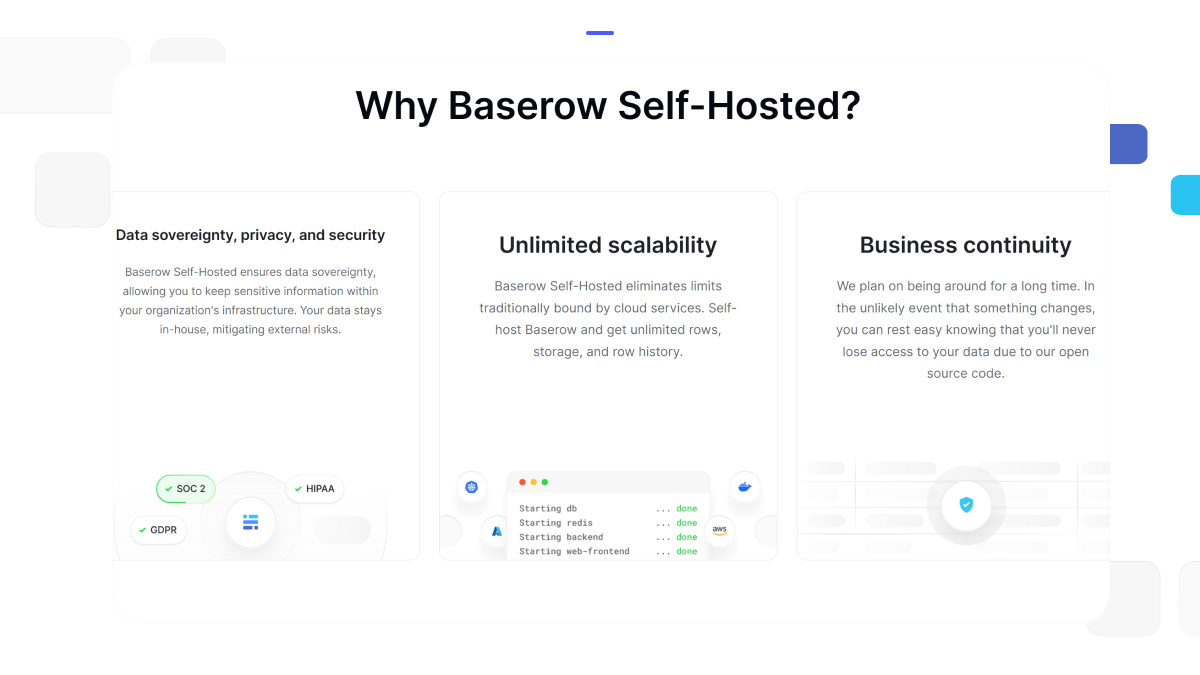
Self-hosting changes that relationship. Instead of storing business information only within a vendor-managed cloud, an organization can choose where the software and its data run.
This approach can provide:
- More data control: Organizations can decide where information is stored.
- Flexible deployment: IT teams can use infrastructure that fits their policies.
- Greater customization: Open source software can often be adapted to specific needs.
- Data residency options: Teams can choose infrastructure in required locations.
- More infrastructure control: Businesses can manage backups, networks, and access around their own requirements.
There are trade-offs. Self-hosting means your team may need to manage updates, monitoring, backups, and infrastructure. The right choice therefore depends on your technical resources and security needs.
For a closer look at these differences, Baserow’s guide to cloud versus self-hosted deployment explains when each approach makes sense.
Can You Self-Host Airtable on Your Own Server?
No. Airtable does not offer a standard edition that businesses can install and run on their own servers.
If running the platform within your own infrastructure is a requirement, you will need to consider another solution. This is why many teams explore Airtable alternatives that offer self-hosting.
The goal is not simply to find an Airtable copy. A good alternative should match the way your team works while giving you the deployment, security, scalability, and customization options you need.
Baserow: Your Self-Hosted Airtable Alternative
Several platforms offer spreadsheet-like ways to work with structured data. For self-hosting, it is important to compare more than the user interface. Look at licensing, deployment methods, permissions, APIs, automation, application building, and the technical skills needed to maintain the platform.
Baserow is an open source platform that combines a database with tools for creating applications and automating workflows. It offers both hosted and self-hosted deployment, so organizations can choose the setup that matches their IT requirements.
Its visual interface allows non-technical teams to work with structured data, while developers can use APIs and extend the platform when needed. Teams can also build internal tools on top of the same data instead of moving information between separate systems.
Baserow has expanded beyond its original database experience with an Application Builder, Automations Builder, and Kuma, its AI powered assistant. This makes it possible to manage data and create workflows from one platform while retaining control over how the system is deployed.
Teams exploring this wider category can also read about the role of an open-source no-code platform and compare Baserow and Airtable in more detail.
Other Open-Source Options
Other platforms worth evaluating include NocoDB and Grist. Both provide open-source approaches to working with structured information, but their features, architecture, deployment process, and application-building options differ.
The best choice depends on your use case. A team that only needs a database interface may have different priorities from one that wants to create production-ready applications, automate processes, or support real time collaboration.
For a wider comparison, see Baserow’s guide to the best Airtable alternatives.
When Does Baserow Make Sense? A Practical Use Case
Consider a compliance team that tracks audits, incidents, evidence, owners, deadlines, and corrective actions. Separate spreadsheets can quickly make this process difficult to control.
With Baserow, the team can connect related records, create views for different users, and build applications around the same source of data. Automations can also handle routine steps, such as updating records or moving information through a workflow.
Self-hosting adds another option for organizations that have specific requirements around infrastructure and data control.
How Baserow Supports Compliance-Focused Teams
Compliance is not only about where information is hosted. Teams also need clear access controls, reliable records, structured processes, and ways to manage sensitive business information.
Baserow can support these workflows through role-based permissions, self-hosting options, structured databases, and tools for building controlled internal processes. Organizations can explore these requirements further in Baserow’s guide to compliance management software.
What Self-Hosting Looks Like in the Real World
Self-hosting gives teams more control, but it also requires planning. IT teams need to consider updates, backups, infrastructure, security, and scaling as usage grows.
These topics also come up in the Baserow Community, where users discuss deployment, Docker, integrations, performance, and other practical challenges. For teams ready to deploy, Baserow also provides self-hosting documentation covering different installation options.
Frequently Asked Questions
- Are there open-source options similar to Airtable for self-hosting?
Yes. Open-source tools such as Baserow provide a spreadsheet-style interface while allowing organizations to run the platform on infrastructure they control. This gives teams more choice over hosting, customization, and data management.
- What is the best Airtable alternative for self-hosting?
The best choice depends on your needs. Look at ease of use, deployment options, permissions, APIs, automation, scalability, and app-building features. Baserow is particularly relevant for teams that want databases, applications, and workflow automation within one platform.
- Can Airtable be installed on a private server?
Airtable does not provide a standard self-hosted version that you can install on your private server. If private deployment is essential, consider an alternative that officially supports self-hosting.
- What are the advantages of self-hosting over cloud software?
Self-hosting gives organizations greater control over infrastructure, data location, network configuration, and deployment. However, your organization also becomes responsible for areas such as maintenance, backups, monitoring, and updates.
- Are self-hosted database tools suitable for enterprises?
They can be. Self-hosting may suit enterprises with specific requirements around security, governance, data residency, or infrastructure. The platform should also provide suitable permissions, scalability, integrations, and administrative controls.
- Is self-hosting harder than using a cloud database?
Usually, yes. A cloud provider handles much of the infrastructure for you. With self-hosting, your IT team takes on more responsibility. The benefit is greater control over how and where the platform runs.
Choosing the Right Airtable Alternative
A good alternative should do more than copy Airtable’s interface. Consider where your data needs to live, who needs access, how the platform will scale, and whether your team wants to build apps and automate workflows.
For organizations that value open-source flexibility, self-hosting, and a powered no code approach to business tools, Baserow brings databases, applications, and automation into one environment.
If that matches your requirements, start using Baserow and choose the deployment approach that works for your team.


Baserow 2.4 adds Button fields, Graph elements, workflow automation, AI provider management, improved Group By views, and 30+ more updates.

Discover how Airtable and Baserow compare in features, flexibility, speed, and scalability. Compare pricing plans and hidden costs to make an informed decision!

Explore the best open-source software alternatives to proprietary products. Discover OSS tools, licenses, and use cases with our updated directory.