
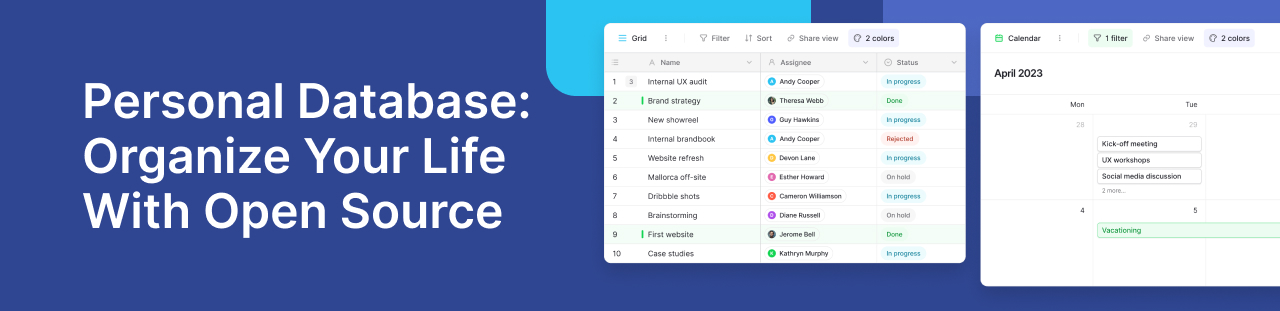
A database for personal use stores information about your activities, interests, or projects in structured records. Each record contains fields, such as a name, date, or category. Understanding database basics helps you turn scattered details into information you can search, connect, and update.
When Your Notes Need More Structure
Notes work well for capturing thoughts, while spreadsheets suit calculations. However, tracking related information becomes harder when you copy details between files.
A structured system connects those records. For example, you can link books to authors without entering the same biography repeatedly. Visual tools make this approach accessible to non-technical users.
Choose a System You Can Adapt
Look for suitable field types, useful filters, and export options. Your choice should also reflect where you want information stored.
SQLite supports local storage within applications. Baserow provides a visual interface with cloud and self-hosted options. Its open-source foundation gives you another way to manage your own infrastructure, although self-hosting requires maintenance.
Turn Everyday Ideas Into Searchable Records
An ideas inbox is a practical starting point. Create fields for the idea, topic, capture date, and review status. Filter unfinished entries when planning your week.
In the Baserow community, a user shared a custom capture app that uses Baserow to store text collected across devices. His setup combines several tools; it demonstrates how a simple collection can support a personal workflow.
For your own version, Kuma can help create tables and fields from a plain-language request.
Start Small and Refine Your Setup
Add ten records, then check whether your categories help you find them. Remove unnecessary fields before importing more information. This setup guide provides further instructions.
Frequently Asked Questions
- Can I import information from a spreadsheet?: Yes. You can import CSV data into Baserow. Check dates, numbers, and column names before importing to reduce cleanup later.
- Which fields should I create first?: Start with a descriptive name, category, and date. Add a status field when you need to track progress or review entries.
- Can I connect records across different tables?: Yes. Baserow’s Link to table field connects related records, such as books and authors, without repeatedly copying their details.
- How can I avoid duplicate entries?: Choose consistent naming rules and search existing records before adding new ones. Review imported information for repeated entries.
- Can I move my records to another tool?: You can export table data as CSV. Relationships, attachments, and formulas may need separate handling when rebuilding your setup elsewhere.
- Does self-hosting mean everything works offline?: No. It describes who runs the server. Access depends on your network setup, while external integrations may still require internet connectivity.
Create a system that fits your daily routine.


Baserow 2.4 adds Button fields, Graph elements, workflow automation, AI provider management, improved Group By views, and 30+ more updates.

Discover how Airtable and Baserow compare in features, flexibility, speed, and scalability. Compare pricing plans and hidden costs to make an informed decision!

Explore the best open-source software alternatives to proprietary products. Discover OSS tools, licenses, and use cases with our updated directory.